EasyManua.ls Logo

Canon EOS A2 - Page 14

Canon EOS A2
72 pages
Print Icon
To Next Page IconTo Next Page
To Previous Page IconTo Previous Page
Loading...
14
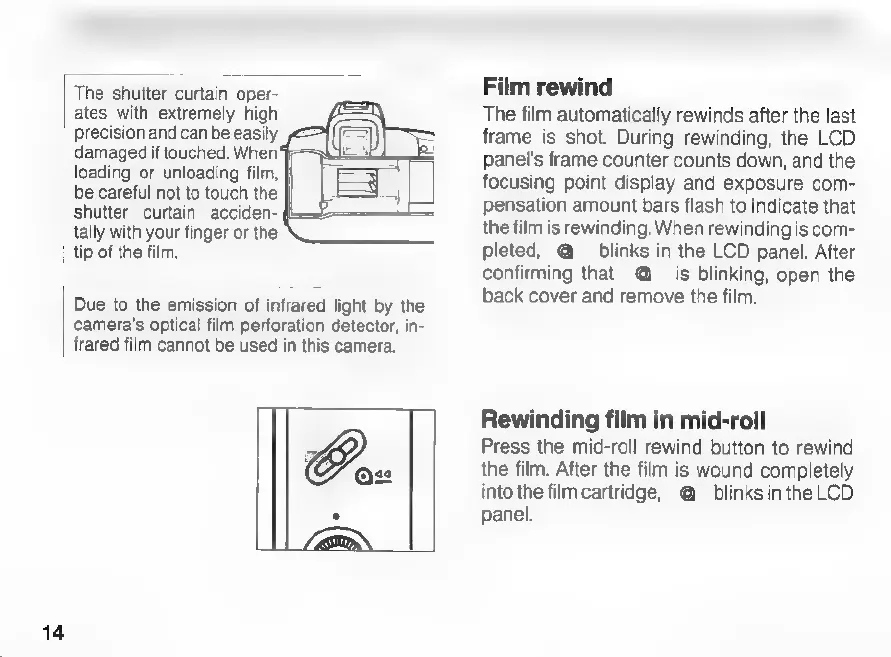
The
shutter
curtain
oper-
ates
with
extremely
high
precision
and
can
be
easily
damaged
if
touched.
When
loading
or
unloading
film,
be
careful
not
to
touch
the
shutter
curtain
acciden-
tally
with
your
finger
or
the
tip
of
the
film.
Due
to
the
emission
of
infrared
light
by
the
camera's
optical
film
perforation
detector,
in-
frared
film
cannot
be
used
in
this
camera.
Film
rewind
The
film
automatically
rewinds
after
the
last
frame
is
shot.
During
rewinding,
the
LCD
panel's
frame
counter
counts
down,
and
the
focusing
point
display
and
exposure
com-
pensation
amount
bars
flash
to
indicate
that
the
film
is
rewinding.
When
rewinding
is
com-
pleted,
@
blinks
in
the
LCD
panel.
After
confirming
that
@
is
blinking,
open
the
back
cover
and
remove
the
film.
Rewinding
film
in
mid-roll
Press
the
mid-roll
rewind
button
to
rewind
the
film.
After
the
film
is
wound
completely
into
the
film
cartridge,
@
blinks
in
the
LCD
panel.

Related product manuals