EasyManua.ls Logo

Canon EOS A2 - Advanced Shooting Features; Exposure Control Features

Canon EOS A2
72 pages
Print Icon
To Next Page IconTo Next Page
To Previous Page IconTo Previous Page
Loading...
44
8.
AE
Lock
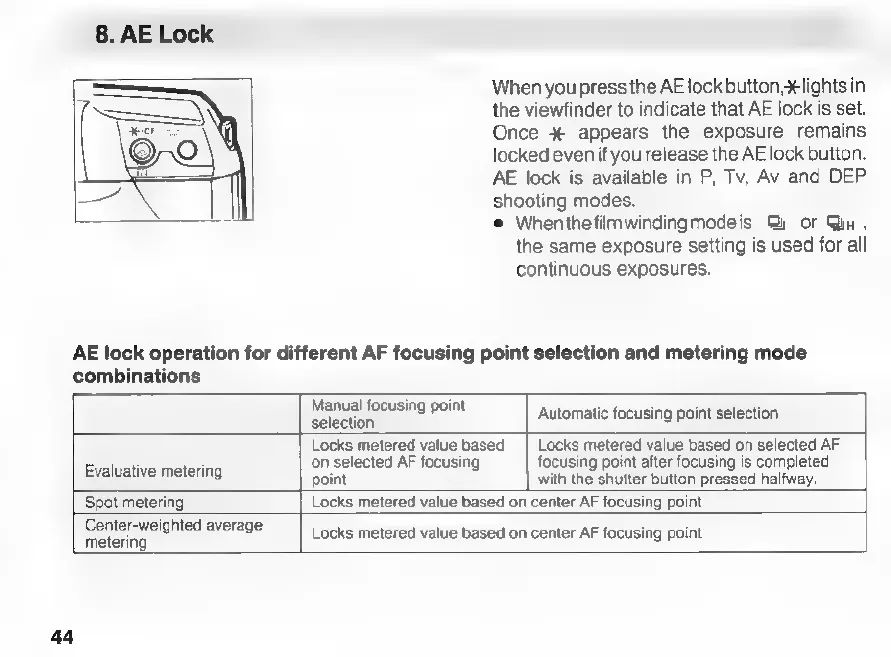
When
you
press
the
AE
lock
button,
¥lights
in
the
viewfinder
to
indicate
that
AE
lock
is
set.
Once
%
appears
the
exposure
remains
locked
even
if
you
release
the
AE
lock
button.
AE
lock
is
available
in
P,
Tv,
Av
and
DEP
shooting
modes.
e
Whenthefilmwindingmodeis
S
or
Qn,
the
same
exposure
setting
is
used
for
all
continuous
exposures.
AE
lock
operation
for
different
AF
focusing
point
selection
and
metering
mode
combinations
Manual
focusing
point
Automatic
focusing
point
selection
Evaluative
metering
selection
Locks
metered
value
based
|
Locks
metered
value
based
on
selected
AF
on
selected
AF
focusing
focusing
point
after
focusing
is
completed
point
with
the
shutter
button
pressed
halfway.
Spot
metering
Locks
metered
value
based
on
center
AF
focusing
point
Center-weighted
average
metering
Locks
metered
value
based
on
center
AF
focusing
point

Related product manuals