EasyManua.ls Logo

Canon EOS A2 - Shooting Modes & Functions; Exposure Modes

Canon EOS A2
72 pages
Print Icon
To Next Page IconTo Next Page
To Previous Page IconTo Previous Page
Loading...
IV
Shooting
Modes
&
Functions
1.P
(Program
AE)
The
image
was
removed
due
to
copyright
restrictions
In
this
mode,
the
camera
automatically
sets
both
the
shutter
speed
and
aperture
accord-
ing
to
the
subject
brightness.
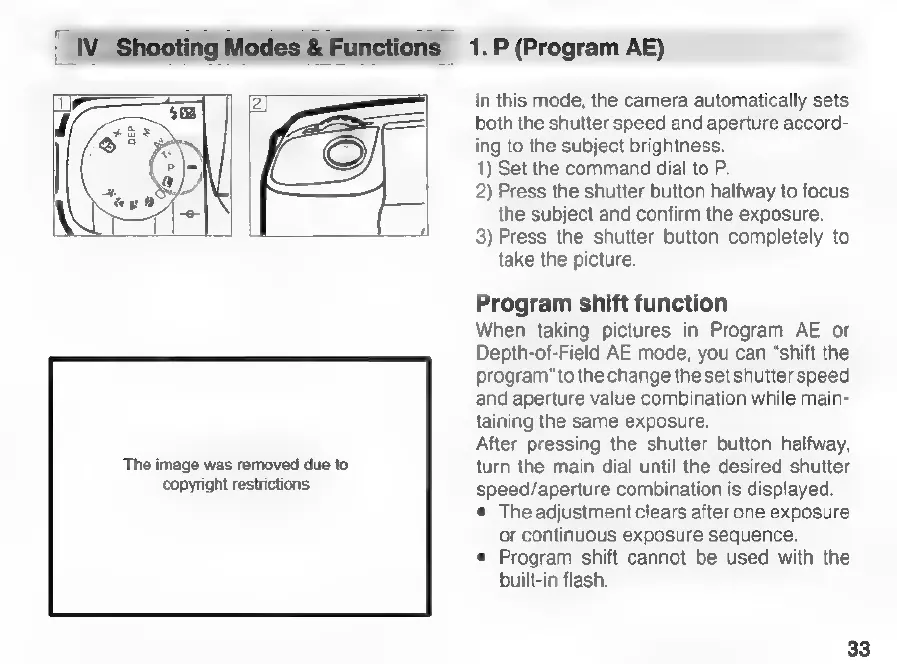
1)
Set
the
command
dial
to
P.
2)
Press
the
shutter
button
halfway
to
focus
the
subject
and
confirm
the
exposure.
3)
Press
the
shutter
button
completely
to
take
the
picture.
Program
shift
function
When
taking
pictures
in
Program
AE
or
Depth-of-Field
AE
mode,
you
can
“shift
the
program”
to
the
change
the set
shutter
speed
and
aperture
value
combination
while
main-
taining
the
same
exposure.
After
pressing
the
shutter
button
halfway,
turn
the
main
dial
until
the
desired
shutter
speed/aperture
combination
is
displayed.
The
adjustment
clears
after
one
exposure
or
continuous
exposure
sequence.
e
Program
shift
cannot
be
used
with
the
built-in
flash.
33

Related product manuals