8-2
Scanning
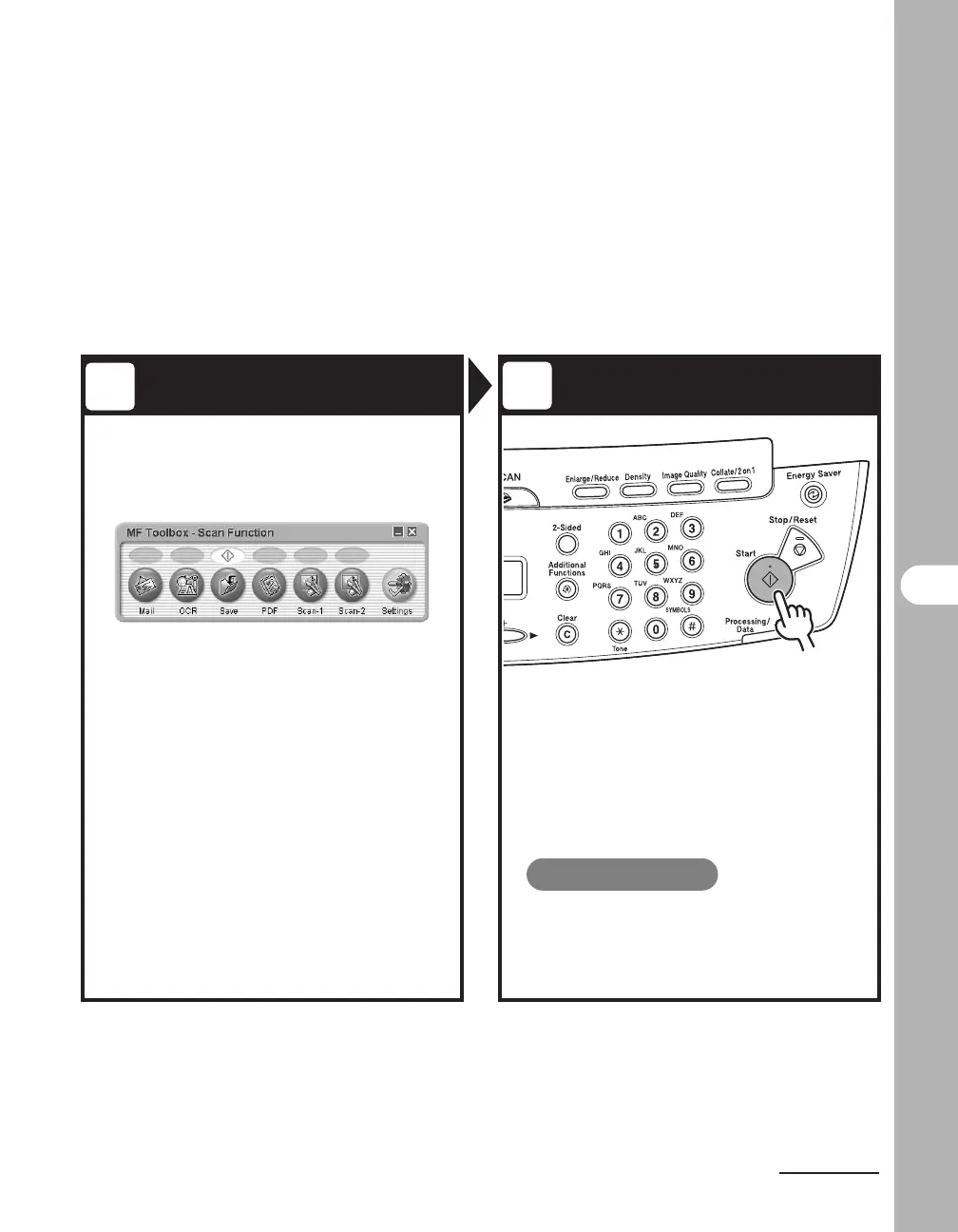
Set Scan Function Start Scanning
Start MF Toolbox, then set the
scanning format.
The mark will be displayed above the button you select.
For details on the MF Toolbox Settings, see Chapter 2,
“Scanning a Document,” in the Scanner Driver Guide.
Press [Start].
What if...
● You want to cancel scanning:
Press [Stop/Reset] on the operation
panel, then click [OK] on the computer
screen.
3
4











 To Next Page