6-2
Copying
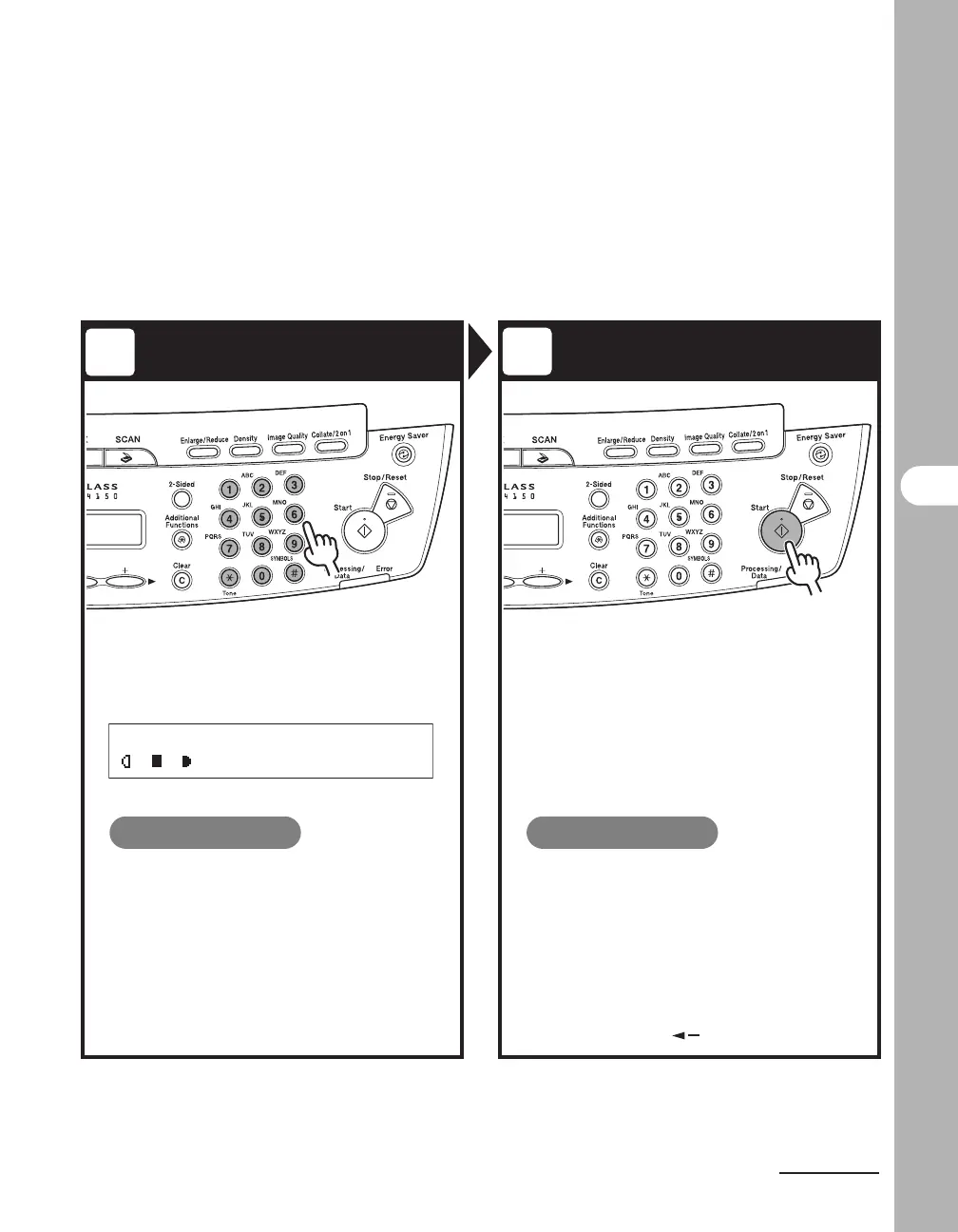
Enter the Copy Quantity Start Copying
Enter the copy quantity (1 to 99)
with the numeric key.
Press [Start].
What if...
● You enter a wrong number:
Press [Clear] and enter a new number.
What if...
● You press [Stop/Reset] to cancel a
job while scanning documents:
The job is canceled immediately, and the
copy quantity is reset.
● You press [Stop/Reset] to cancel a
job while printing:
The <CANCEL COPYING?> message
appears. Press [ ] to select <YES>.
3
4
Ex.
100% A4
TEXT/PHOTO 3











 To Next Page