10-5
Maintenance
4 Press [ ] or [ ] to select
<FIX. UNIT CLEANING>, then
press [OK].
Cleaning starts. When finished, the display
returns to the standby mode.
NOTE
– Use standard paper as the cleaning
paper.
– Throw away the cleaning paper after use.
Scanning area
Keep the scanning area clean to avoid
dirty copies or faxes to be sent.
● Platen glass
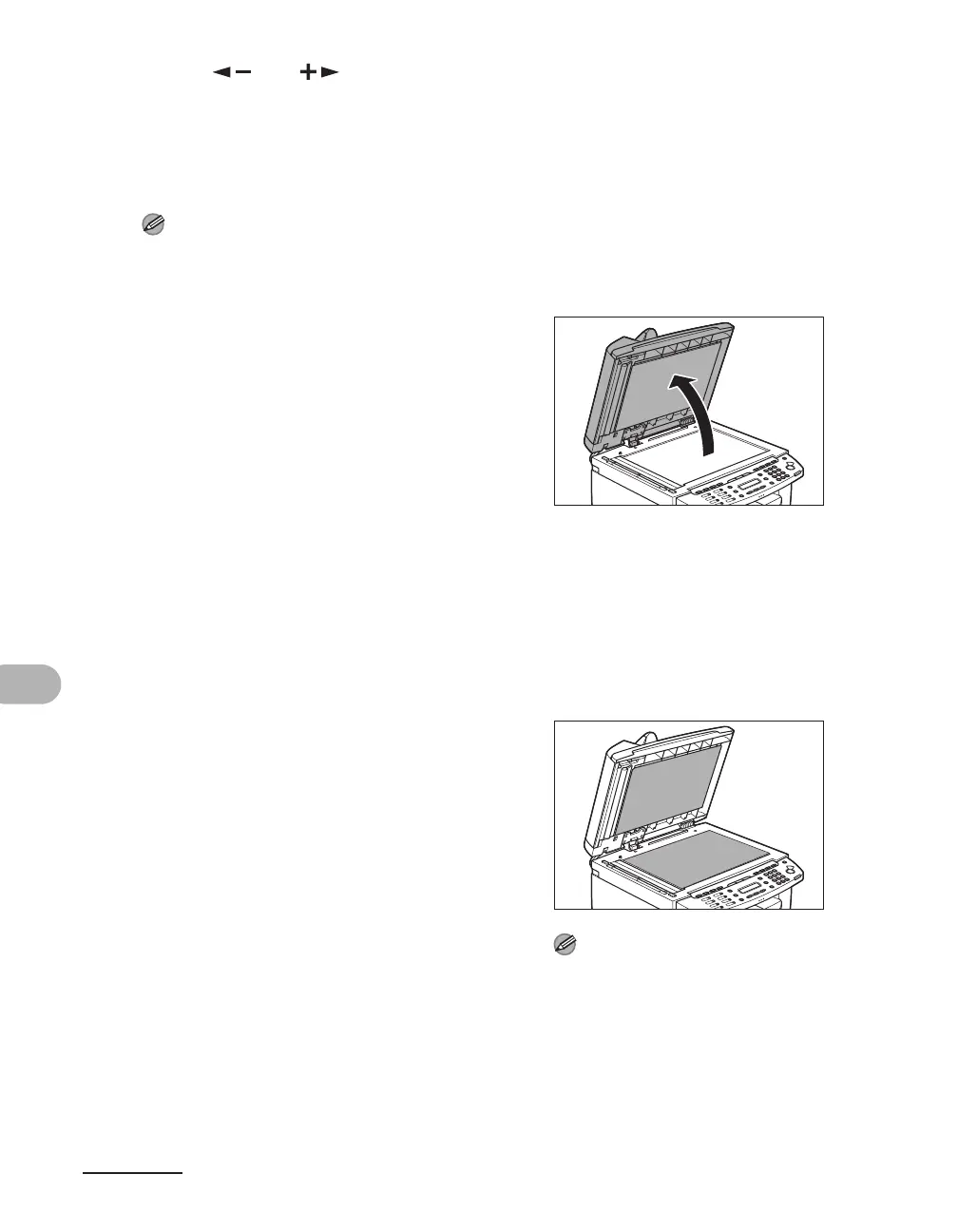
1 Open the ADF/platen glass
cover.
2 Clean the platen glass and the
underside of the ADF/platen
glass cover with a cloth
dampened with water. Then,
wipe the area with a soft, dry
cloth.
NOTE
Do not dampen the cloth too much, as this
may tear the document or damage the
machine.











 To Next Page