1-13
Before Using the Machine
Checking the toner level
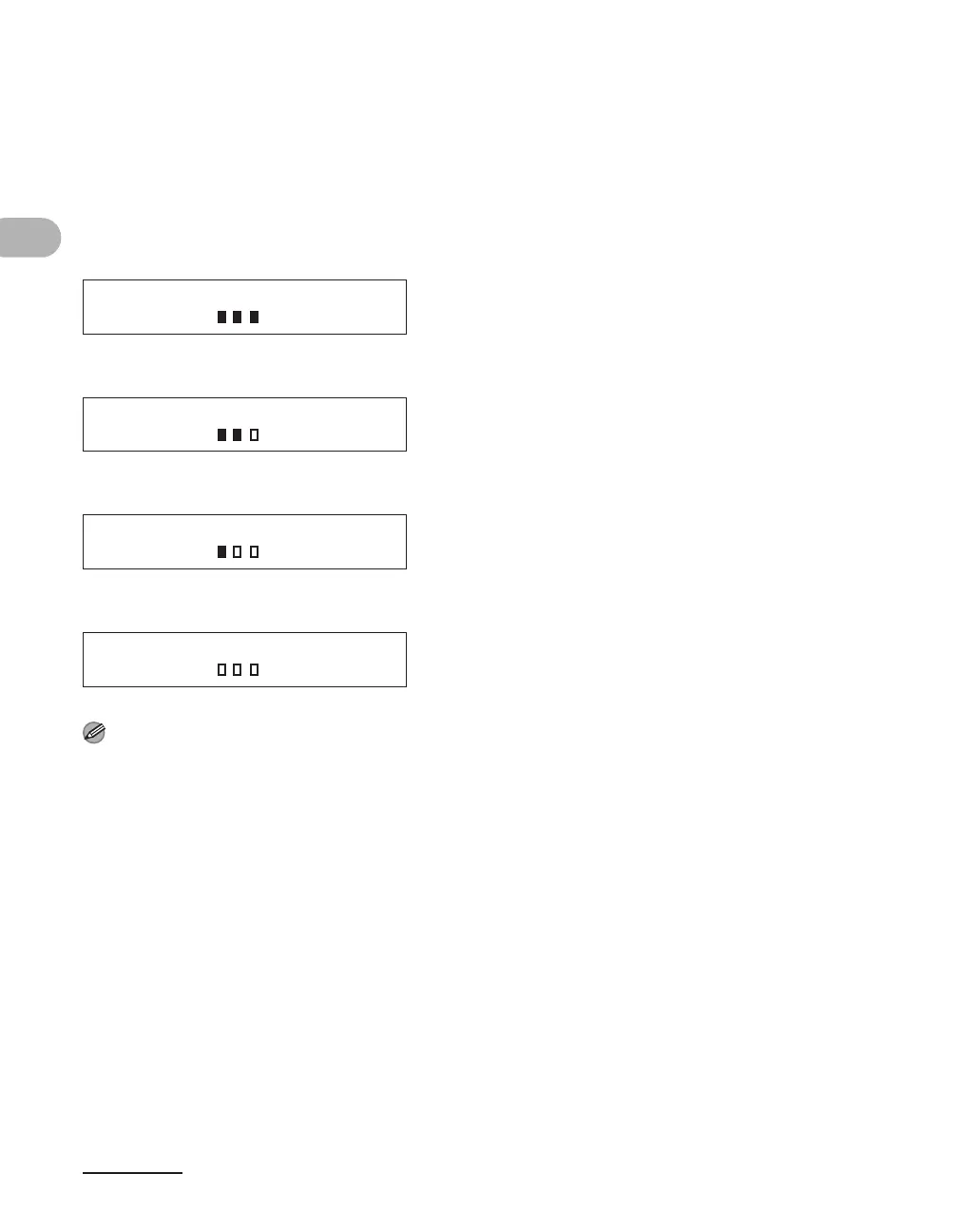
You can check the amount of toner remaining in the toner cartridge by pressing the
[Toner Gauge] key. The toner level is displayed in the LCD at four levels.
If the toner gauge indicates that the toner is empty, it is recommended that the toner
cartridge be replaced.(See “Replacing the Toner Cartridge,” on p. 10-8.)
Toner full
Toner high
Toner low
Toner empty
NOTE
To return to the standby mode, press [Stop/Reset].
TONER GAUGE
0% 100%
TONER GAUGE
0% 100%
TONER GAUGE
0% 100%
TONER GAUGE
0% 100%











 To Next Page