4-3
Sending Faxes (MF4140/MF4150 Only)
Scan Settings
You can adjust the image quality and density of the document you send. The
higher image quality you set, the better the output will be, but the longer the
transmission will take. Adjust the scan settings according to the type of
document you are sending.
Image Quality
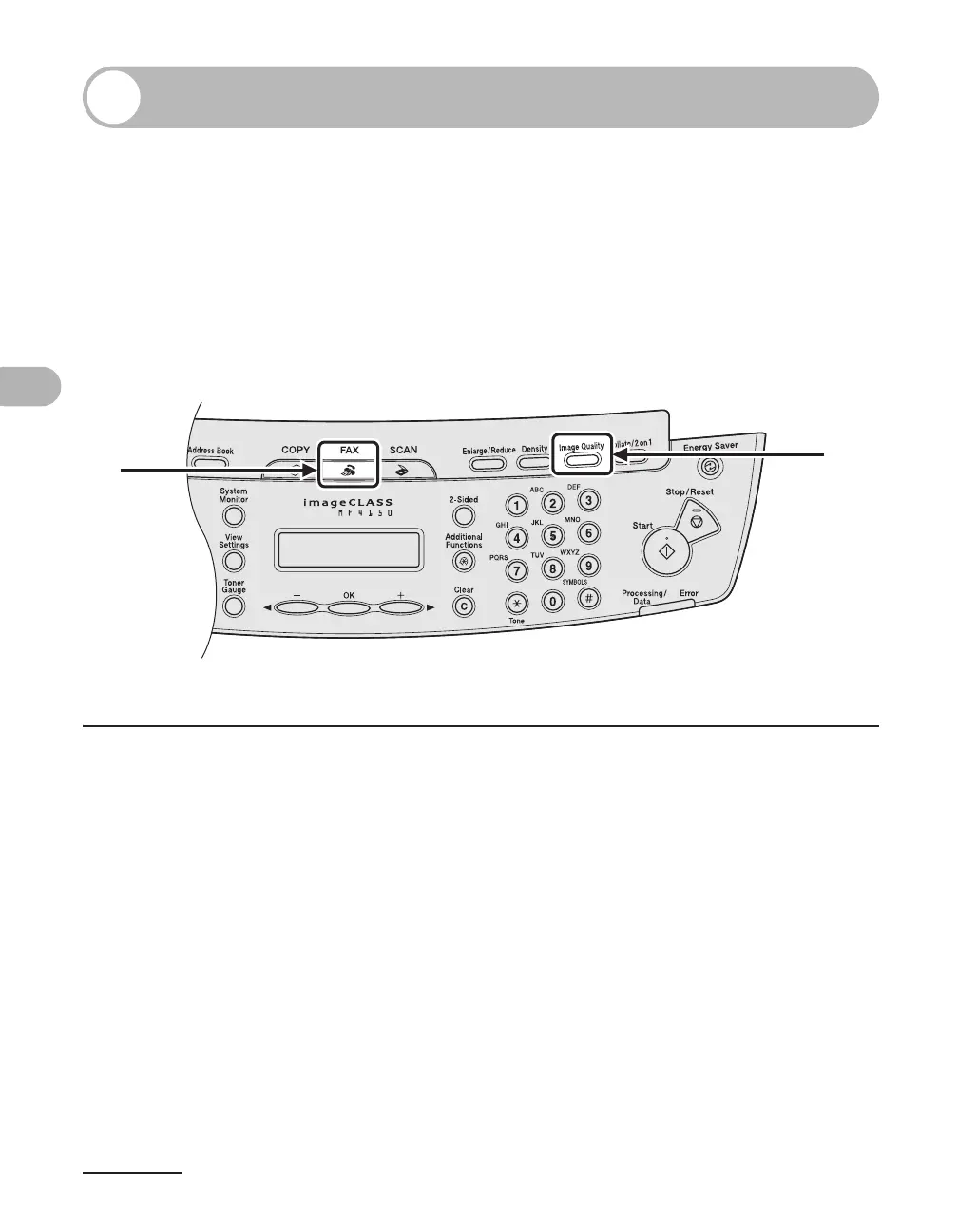
1 Press [FAX].
2 Press [Image Quality].
1
2











 To Next Page