12-1
Machine Settings
Machine Settings
Machine Settings
You can adjust the machine settings from the Setting Menu to customize the way
the machine works. To see the list of current settings, print out User’s Data List.
Printing User’s Data List (MF4140/MF4150 Only)
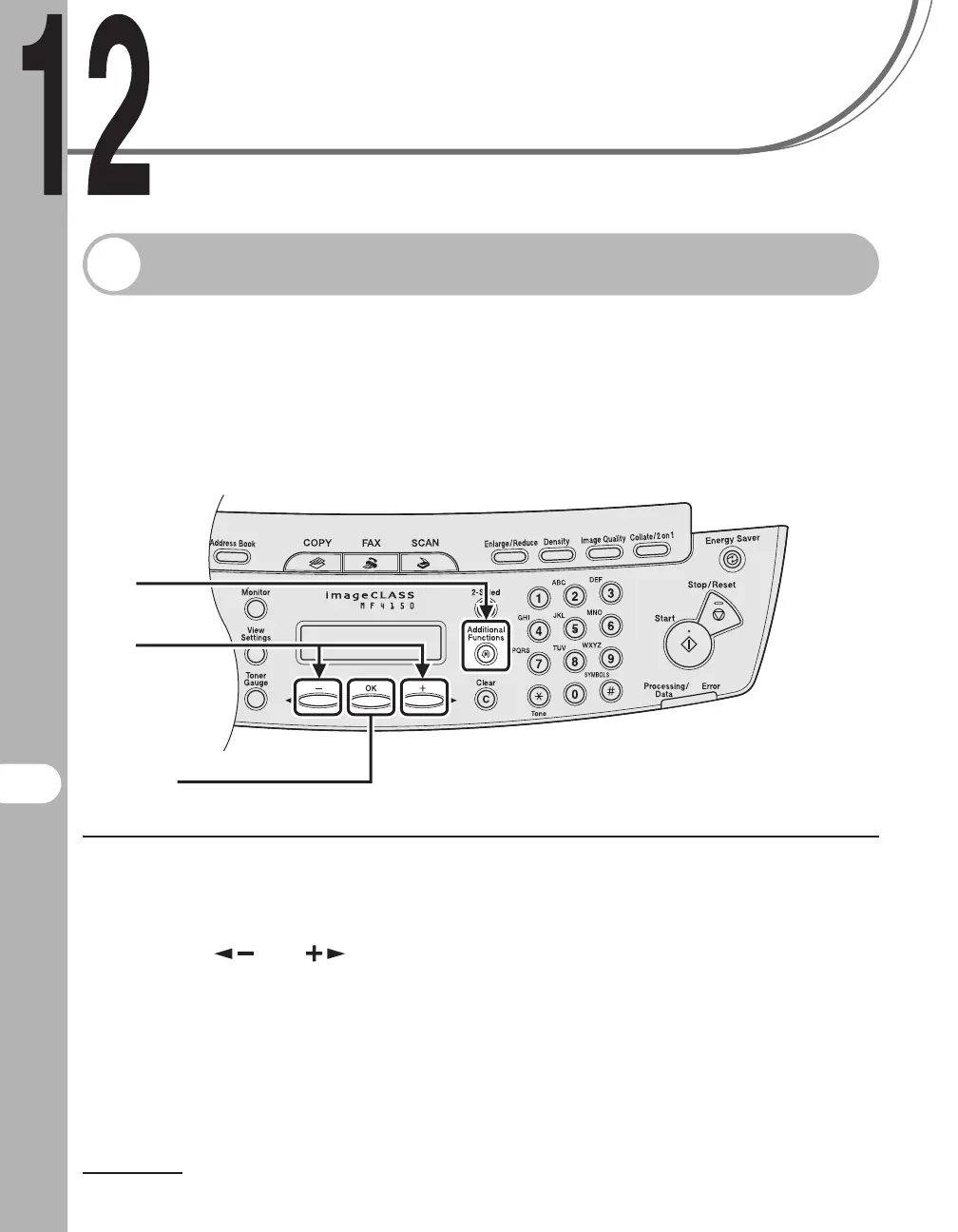
1 Press [Additional Functions].
2 Press [ ] or [ ] to select <REPORT SETTINGS>, then press [OK].
2
[OK]
1











 To Next Page