4-30
Sending Faxes (MF4140/MF4150 Only)
Using Speed Dialing
Follow the procedure below to send faxes to registered recipients using speed dialing.
For easy reference, print out the list of recipients registered for speed dialing. (See
Chapter 4, “Reports and Lists (MF4140/MF4150 Only),” in the Advanced Guide.)
● Using One-Touch Speed/Group Dialing
1 Place the document on the platen glass or load it in the ADF.
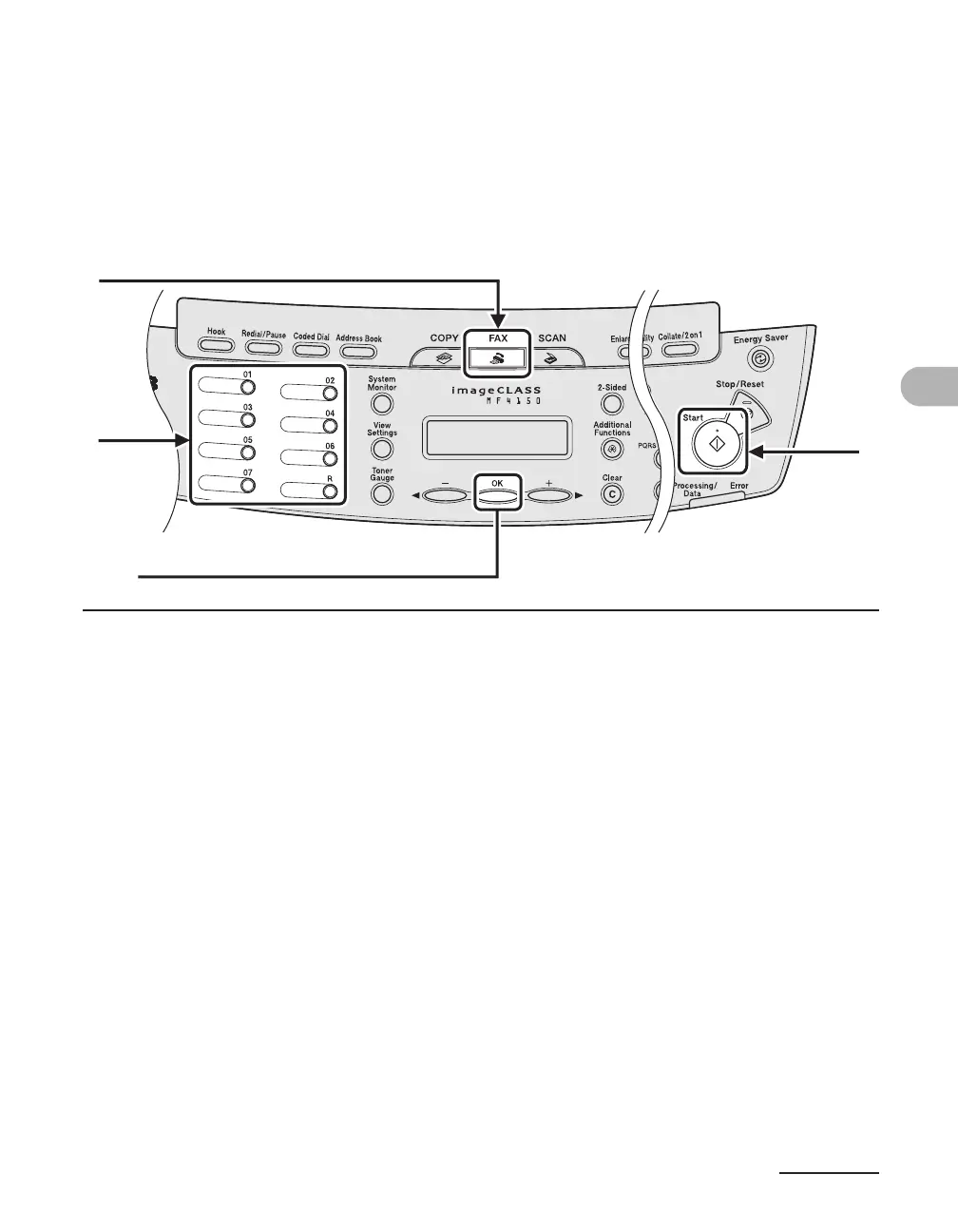
2 Press [FAX].
3 Adjust any necessary settings for your document.
For details, see “Scan Settings,” on p. 4-3.
4 Press the desired one-touch speed or group dialing key (01 to 07).
5 Press [Start].
When you set the document on the platen glass, press [Start] for each document. When scanning
is complete, press [OK].
4
5
2
[OK]











 To Next Page