4-29
Sending Faxes (MF4140/MF4150 Only)
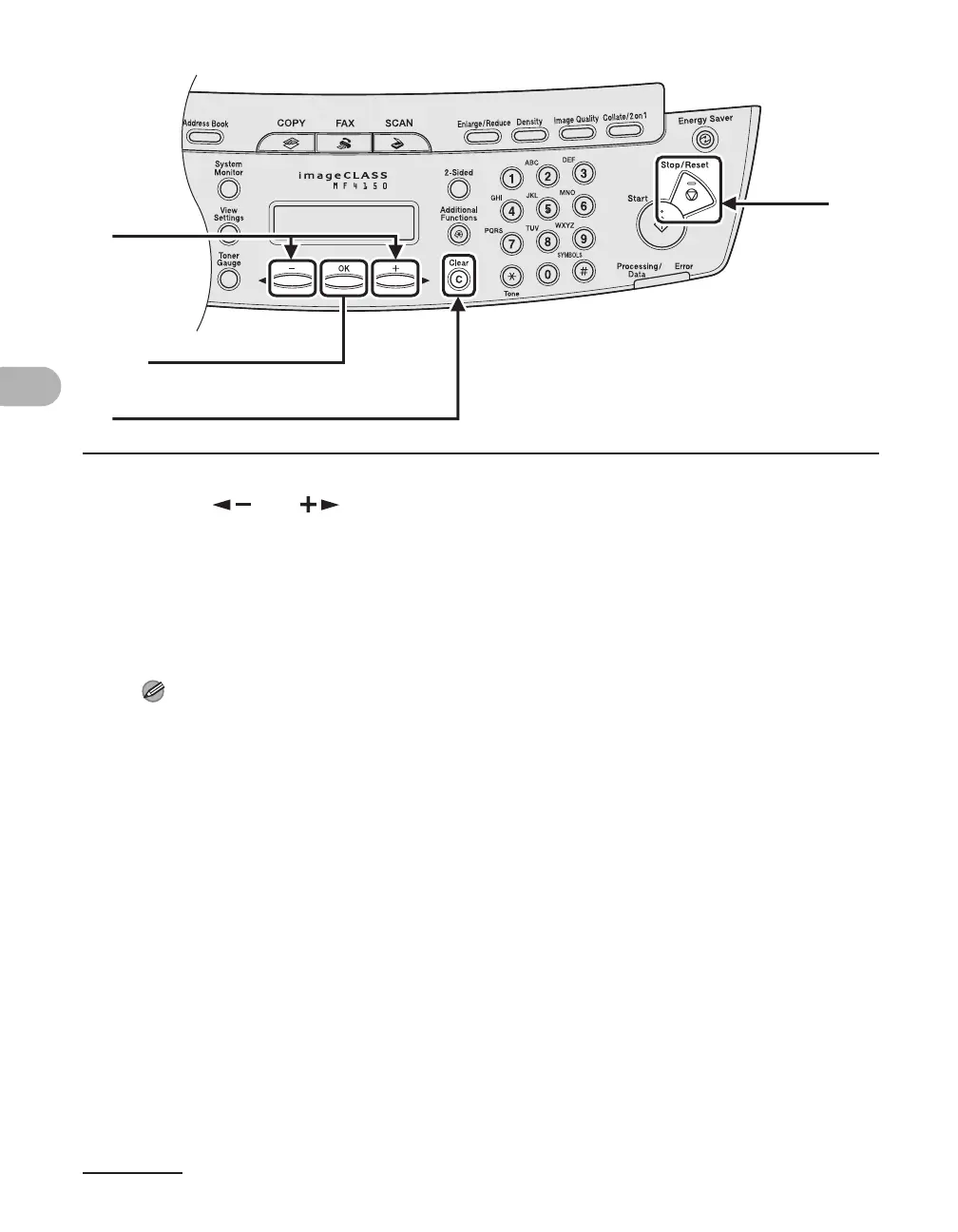
6 Press [ ] or [ ] to display a speed dial number.
7 Press [Clear].
8 Repeat steps 6 and 7 until all speed dial numbers are deleted, then press
[OK].
NOTE
When deleting all speed dial numbers, the group name is cleared automatically.
9 Press [Stop/Reset] to return to the standby mode.
6
7
9
[OK]











 To Next Page