7-1
Printing
Printing
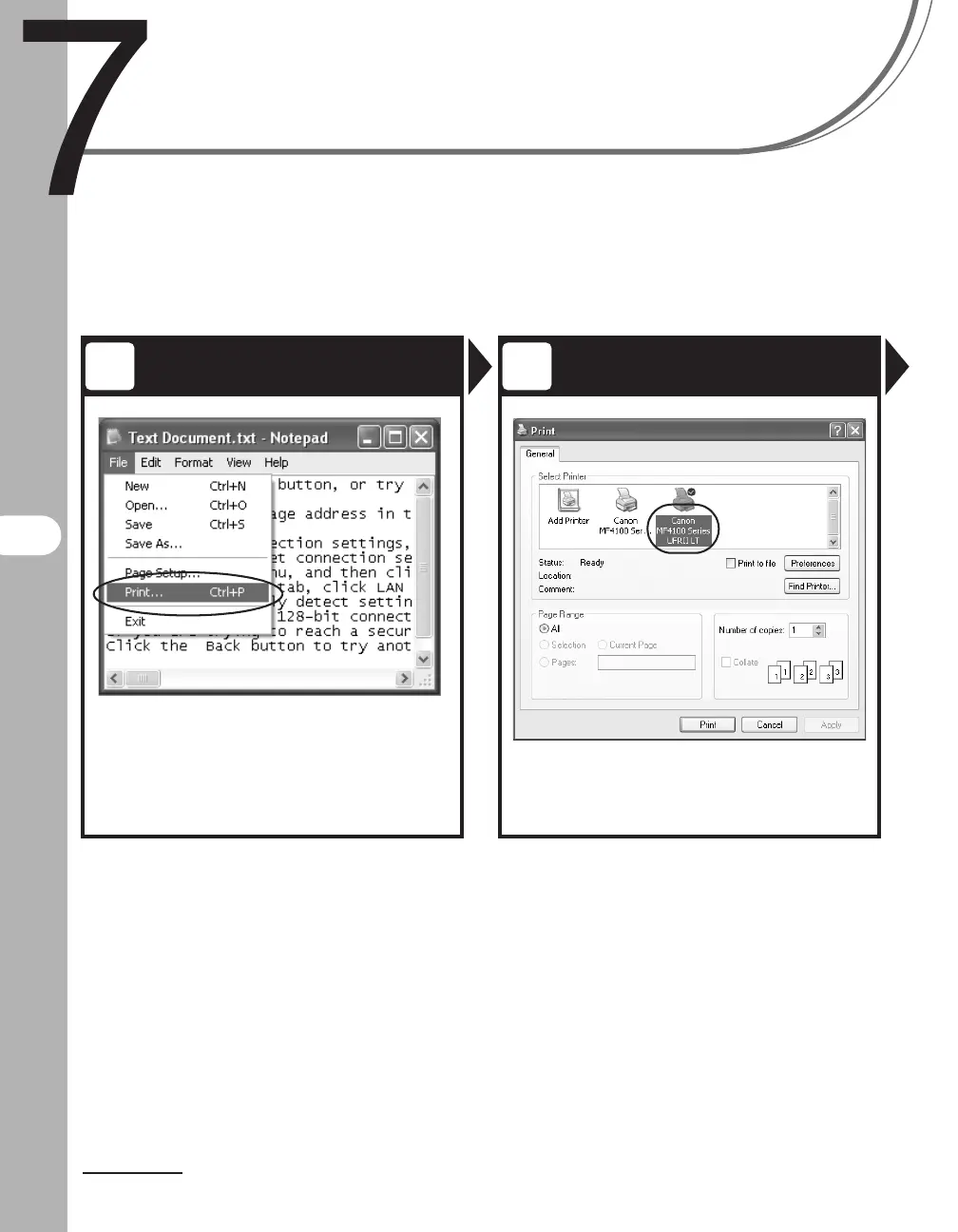
Follow this procedure to print a document from your computer.
Make sure that the printer driver is installed.
For details on printer driver settings, see Online Help.
Start the Print Command Select the Printer
From an open document on an
application, click [File] > [Print].
Select the printer icon for the
machine ([Canon MF4100 Series
UFRII LT]).
1 2











 To Next Page