10-13
Maintenance
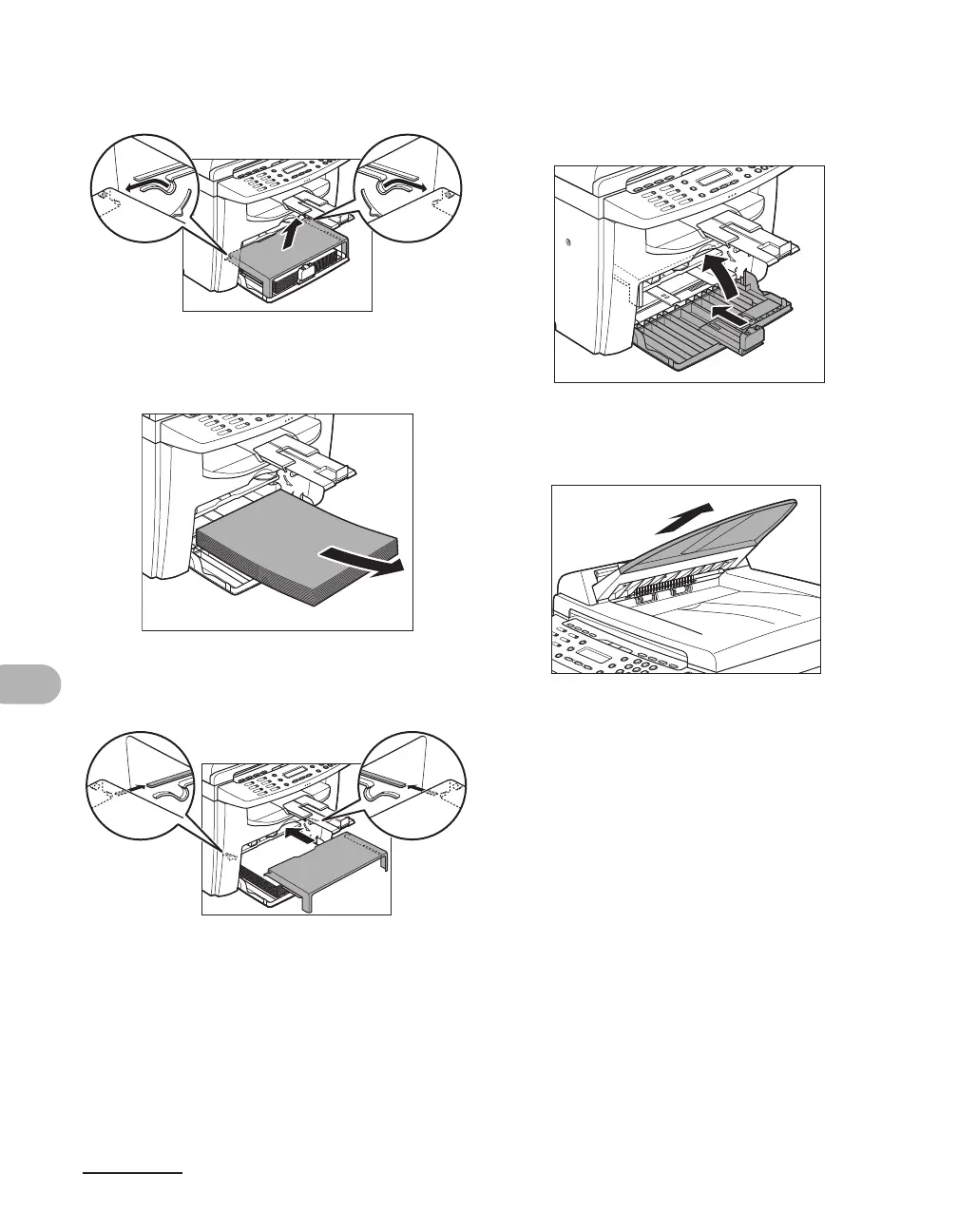
6 Remove the dust cover from the
paper feeding tray.
7 Remove the paper from the
paper feeding tray.
8 Store the dust cover inside the
machine.
9 Push the paper guide rail, and
then close the paper feeding
tray.
10 Detach the Document feeder tray
(MF4150 Only).











 To Next Page