2-7
Document Handling
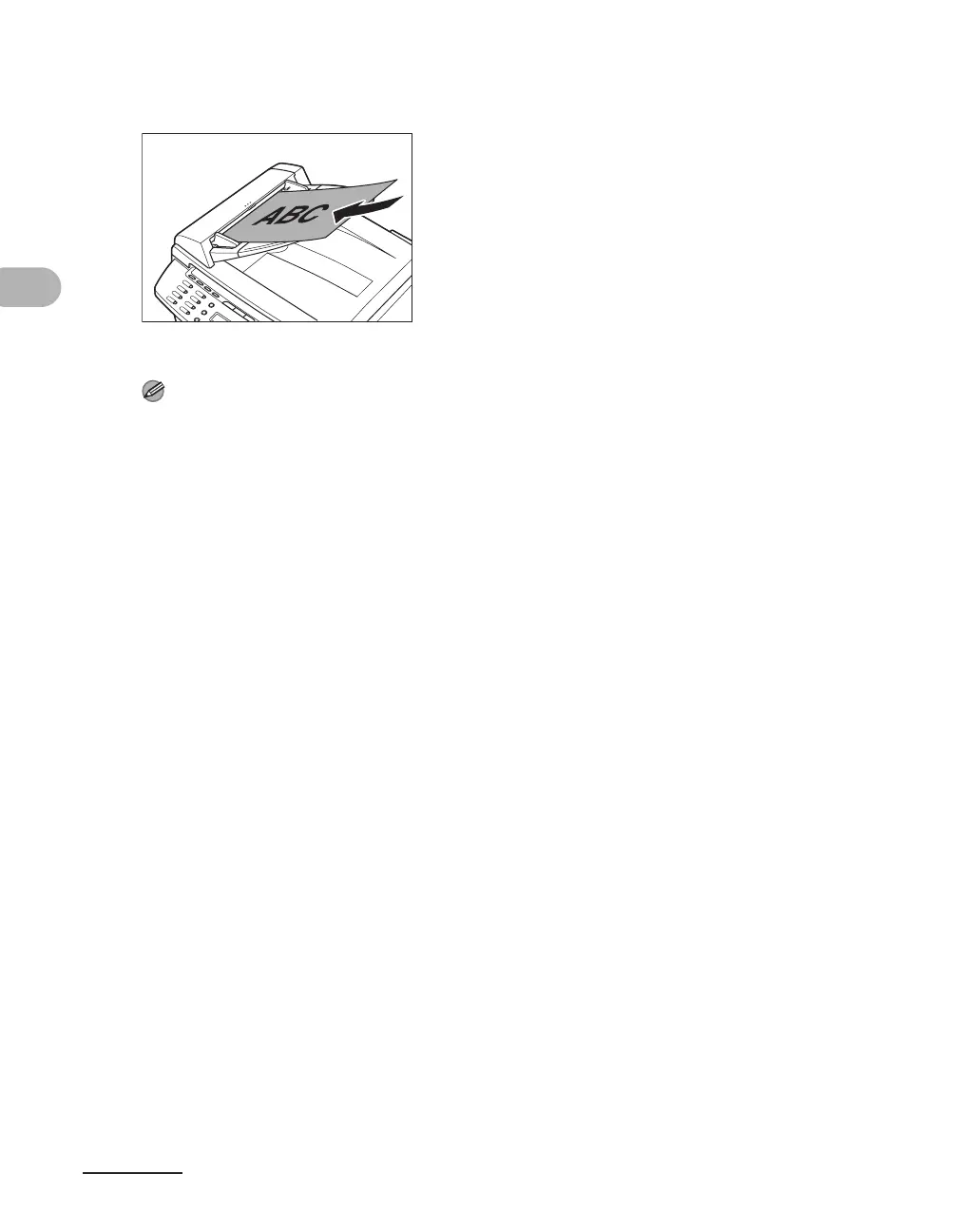
3 Neatly place the documents face up in the document feeder tray.
When enlarging A5 or B5 originals to A4 paper, place your originals horizontally.
The document is ready for scanning.
NOTE
– Do not add or remove documents while they are being scanned.
– When scanning is complete, remove the documents from the document delivery tray to avoid
paper jams.
– Avoid using ADF to scan the same document more than 30 times. When scanned repeatedly,
documents can become folded or torn, which may cause paper jams.
– If the feeder rollers are soiled from scanning a document written in pencil, clean them. (See
“Cleaning the Machine,” on p. 10-1.)











 To Next Page