4-8
Sending Faxes (MF4140/MF4150 Only)
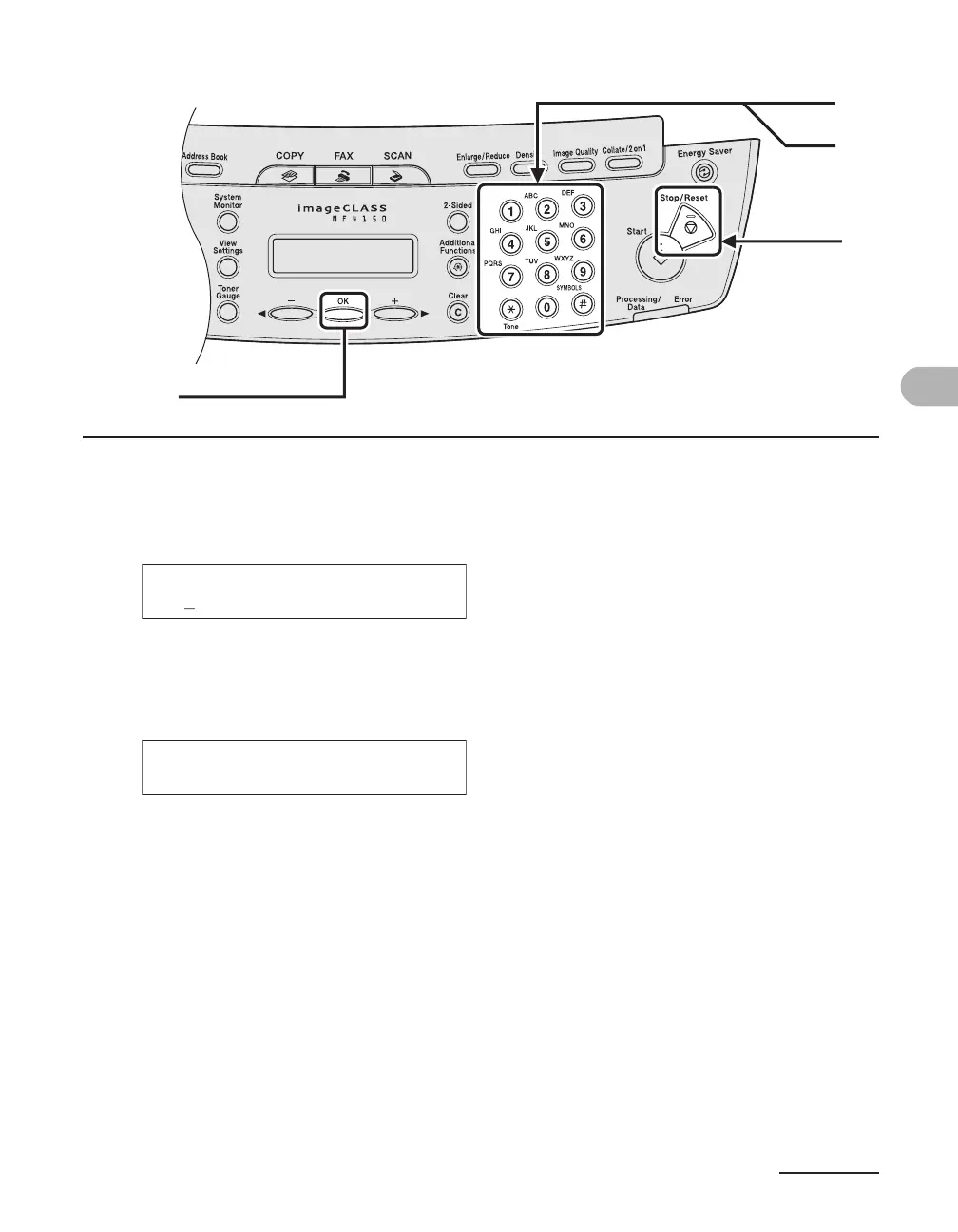
5 Enter the destination name (max. 20 characters, including spaces) with the
numeric keys, then press [OK].
6 Enter the fax number you register (max. 50 digits, including spaces and
pauses) with the numeric keys, then press [OK].
To register another one-touch speed dialing key, repeat the procedure from step 4.
7 Press [Stop/Reset] to return to the standby mode.
6
5
[OK]
7
Ex.
NAME [A]
CAN
Ex.
TEL NUMBER ENTRY
012XXXXXXX_











 To Next Page