4-19
Sending Faxes (MF4140/MF4150 Only)
● Deleting Coded Dialing
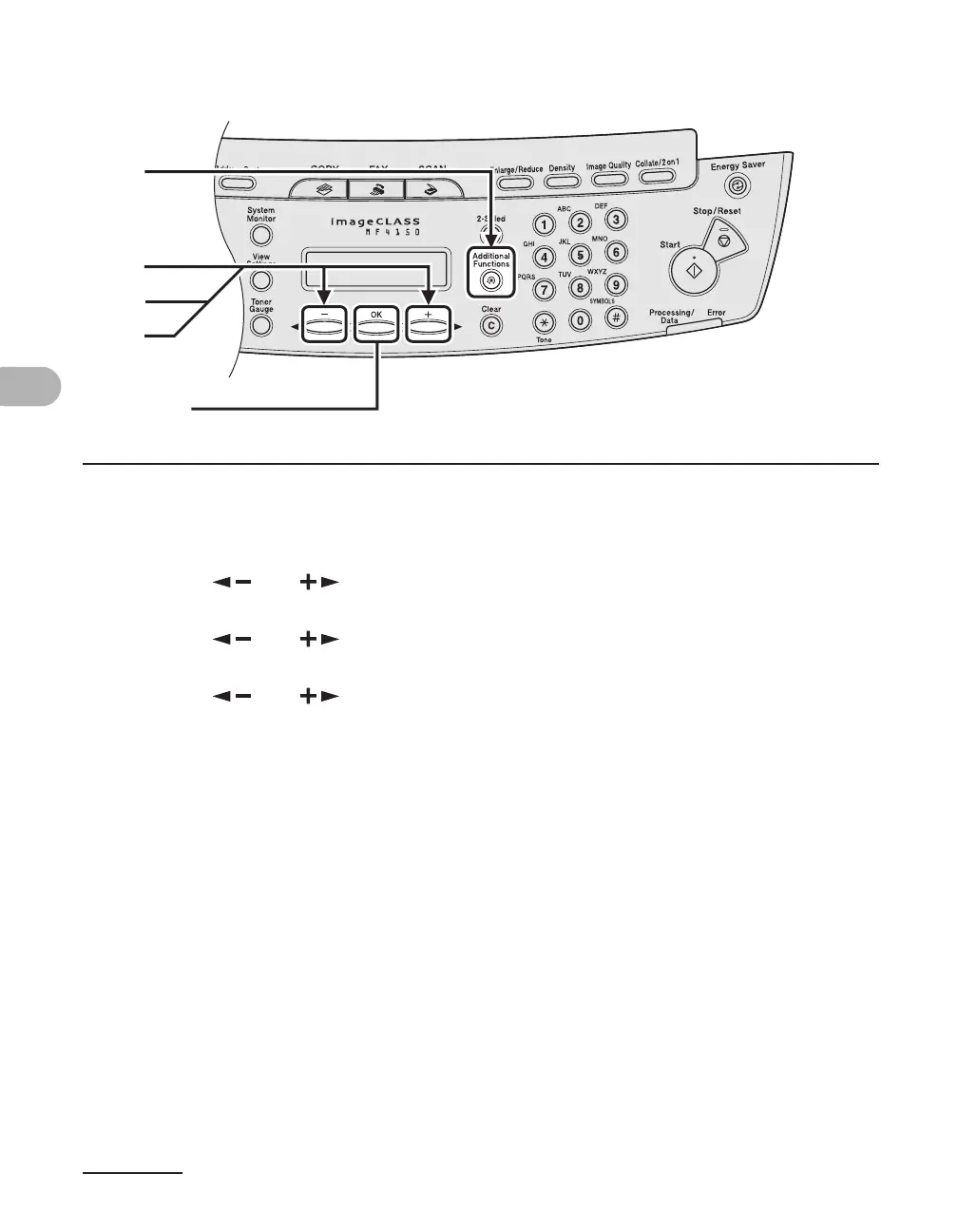
1 Press [Additional Functions].
2 Press [ ] or [ ] to select <ADDRESS BOOK SET.>, then press [OK].
3 Press [ ] or [ ] to select <CODED DIAL>, then press [OK].
4 Press [ ] or [ ] to select the coded dialing code (00 to 99) that you
want to delete, then press [OK].
You can also enter a coded dialing code with the numeric keys after pressing [Coded Dial].
[OK]
1
2
4
3











 To Next Page