4-22
Sending Faxes (MF4140/MF4150 Only)
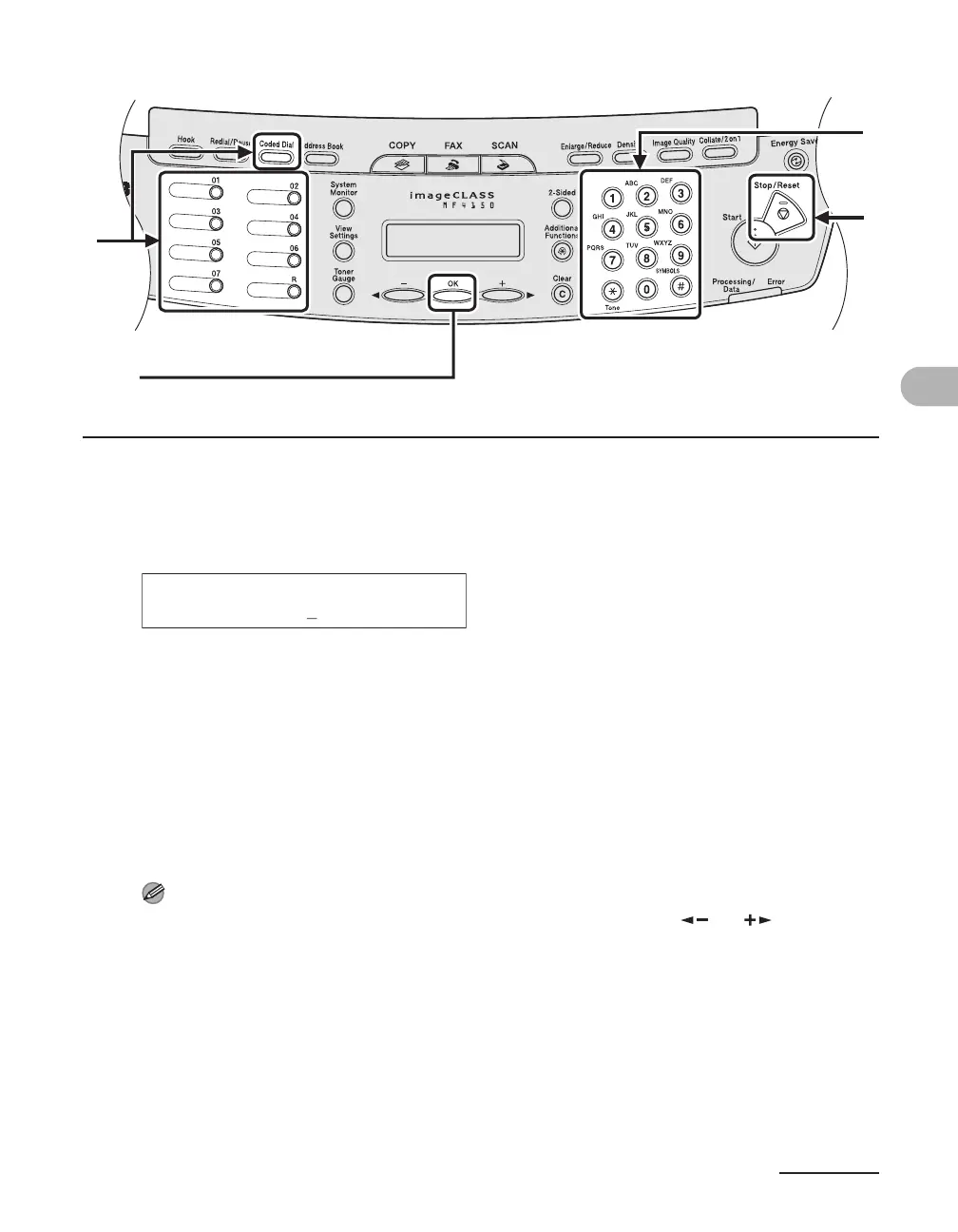
5 Enter the group name (max. 20 characters, including spaces) with the
numeric keys, then press [OK].
6 Select the speed dialing numbers you want to register in the group (max.
50 destinations) until all destinations are registered, then press [OK].
The speed dialing number refers to the one-touch dialing number or coded dialing code under
which the fax/telephone number is registered.
To enter a number stored under a one-touch speed dialing key, press the desired one-touch speed
dialing key(s).
To enter a number stored under a coded dialing code, press [Coded Dial], then enter the two-digit
code for the number with the numeric keys. For multiple entries, press [Coded Dial] between each
entry.
NOTE
You can review the destinations which have been already entered with [ ] or [ ].
7 Press [Stop/Reset] to return to the standby mode.
[OK]
7
5
6
Ex.
NAME [A]
CANON GROUP











 To Next Page