5-2
Receiving Faxes (MF4140/MF4150 Only)
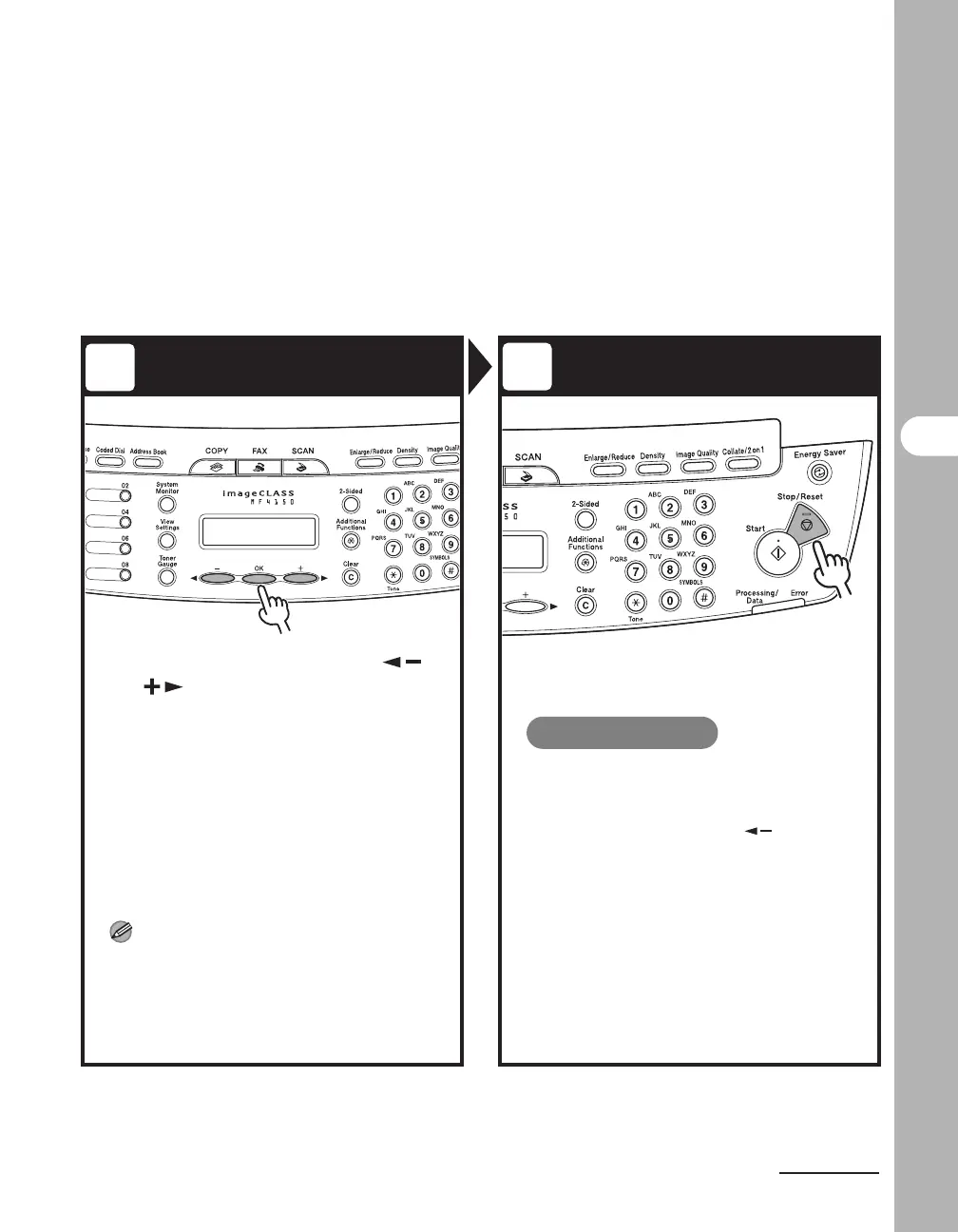
Select the Receive Mode Exit the Setting Menu
Select the receive mode with []
or [ ]
, then press [OK].
<FaxOnly>: Answers all calls as faxes.
<AnsMode>: Receives faxes automatically and records
voice messages.
<NET SWITCH>: Distinguishes between fax and voice
calls.
<FaxTel>: Switches between fax and voice calls
automatically if the optional handset or an external
telephone is connected to the machine.
<MANUAL>: Does not answer any calls. You have to
manually receive faxes.
For details on these settings, See Chapter 1,
“Advanced Fax Features (MF4140/MF4150 Only),” in
the Advanced Guide.
NOTE
– For <AnsMode>, make sure an answering
machine is connected to the machine.
– The <NET SWITCH> mode is available for
certain countries only and requires
subscription to a network switch service.
Press [Stop/Reset] to return to the
standby display.
What if...
● You press [Stop/Reset] to cancel a
job:
The <CANCEL DURING TX/RX?>
message appears. Press [ ] to select
<Yes>. The job is canceled, and the
display returns to the standby mode.
● The <OUT OF TONER/CHANGE
TONER> message appears:
The toner cartridge is almost empty.
Replace the toner cartridge.
For details on this error message, see
“LCD Messages,” on p. 11-9.
3
4











 To Next Page