14
▀
Registering Paper Types in the Paper Database
Register all paper types you are going to use with this machine. You can register paper types by selecting paper types
from the Paper Database.
N
TE
If you load paper which is already registered in the machine, such as plain or recycled paper, this step is not
necessary. Proceed to the next step "Loading Paper into the Paper Drawer".
You cannot change the settings of the default paper types registered in the machine. If you edit the settings, make
sure t
o duplicate and register them as a new one beforehand.
1
Press .
2
Press [Preferences] [Paper Settings] [Paper Type Management Settings].
3
Press [Paper Database].
4
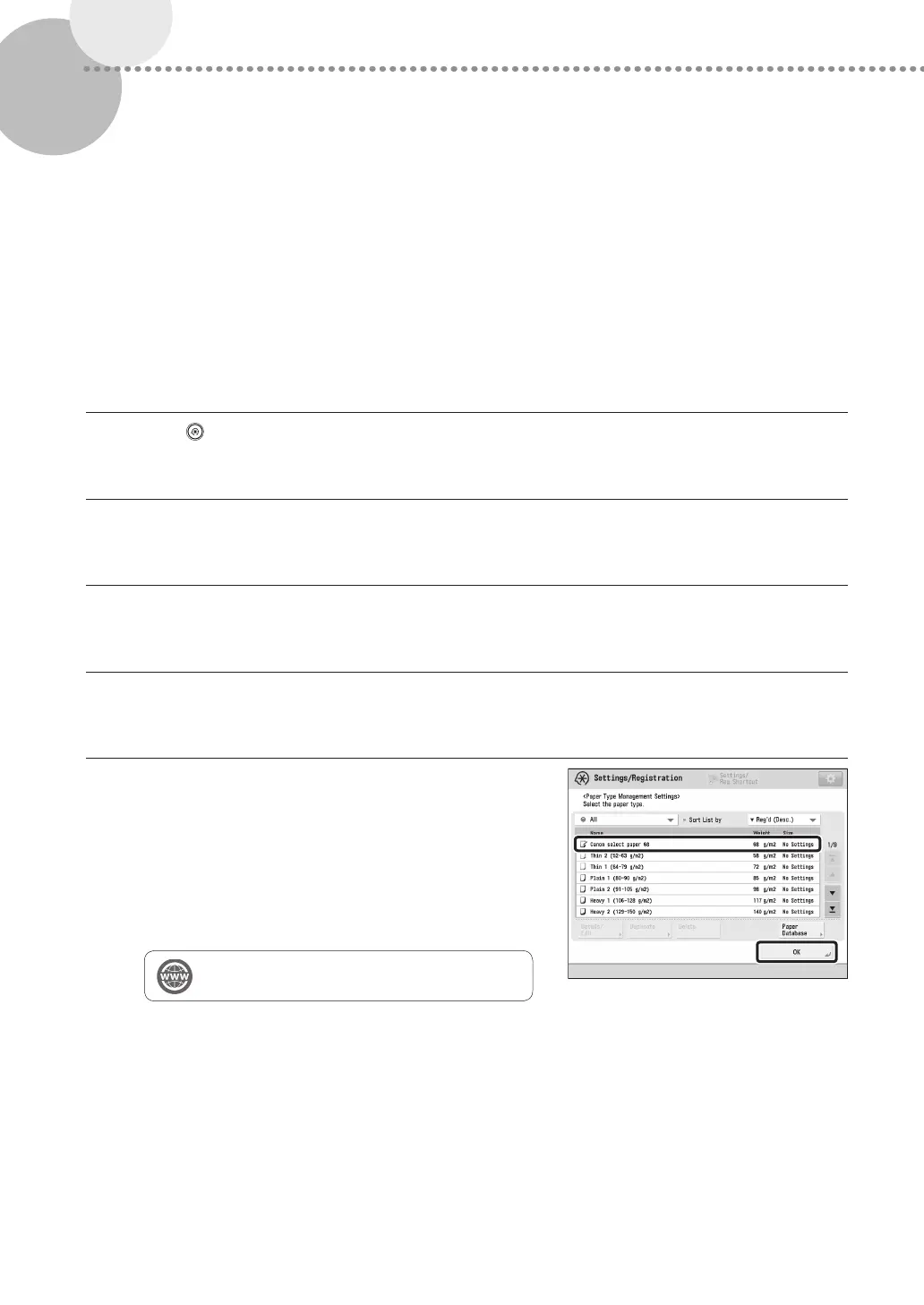
Select the paper type from the list press [OK].
5
Confirm that the selected paper type is displayed in
the <Paper Type Management Settings> screen
press [OK].
•
If the desired paper type is not listed in the Paper Database,
select and duplicate a paper type that closely matches the
characteristics of the desired paper type, and then change
the necessary settings.
"Paper Type Management" in the User's Guide











 To Next Page