18
Cleaning and Maintenance
For optimum operation of the machine, we recommend to clean and check the machine regularly.
N
TE
The following cleaning should be performed only when the Duplex Color Image Reader Unit-M is attached.
•
Cleaning the Platen Glass
•
Cleaning the Original Scanning Area
•
Cleaning the Feeder
•
Automatic Feeder Cleaning
▀
Cleaning the Platen Glass
If originals cannot be scanned properly, follow the cleaning procedure below. Clean with a cloth which is wrung after
being dampened in water, and then clean with a soft and dry cloth. Use the provided glass cleaning cloth for simple
cleaning.
1
Shutting down the machine.
"Shutting Down the Machine," on p. 11
2
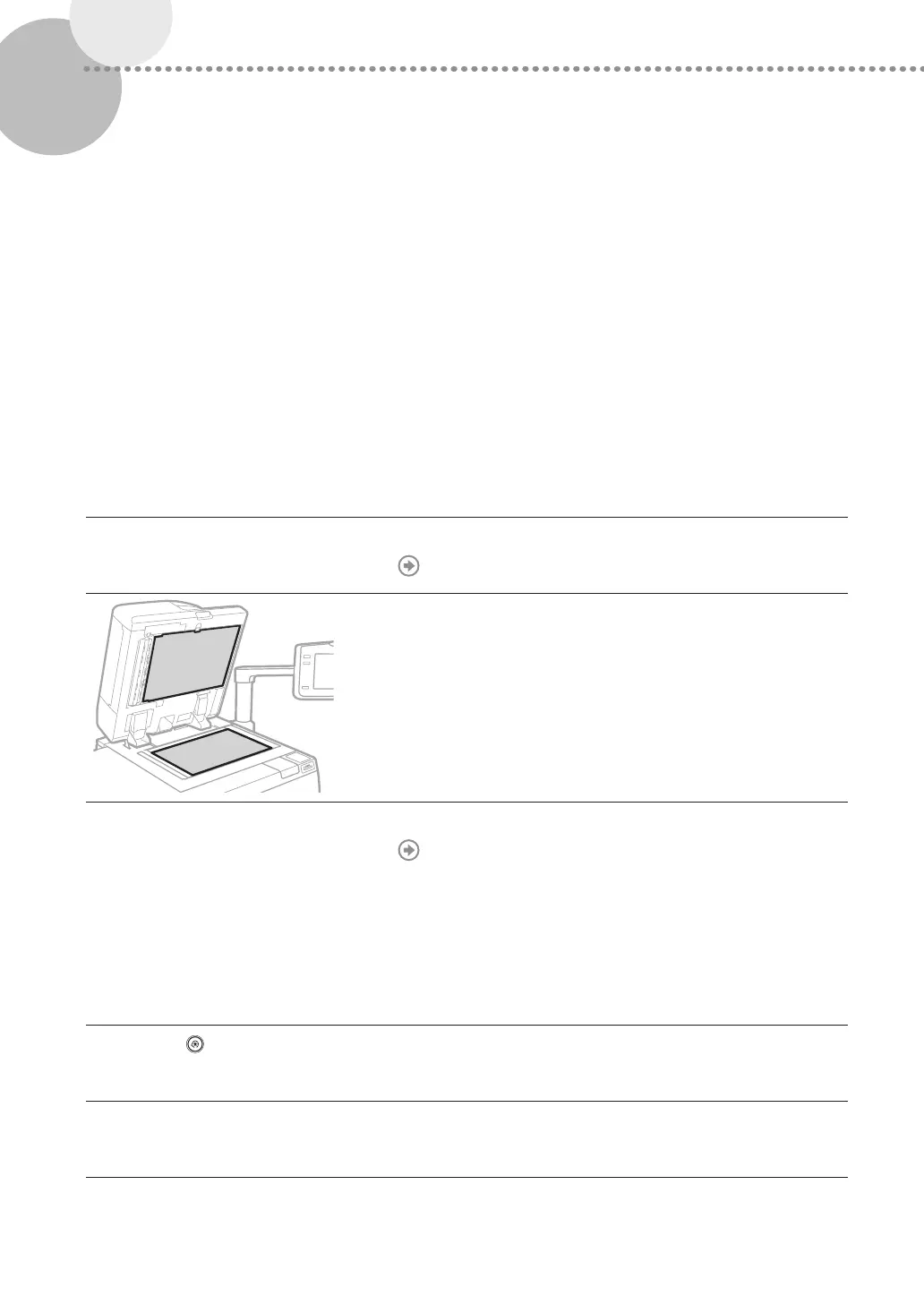
Clean the Platen Glass.
•
Clean the platen glass and the underside of the feeder.
3
Turning on the main power.
"Turning ON the Main Power," on p. 11
▀
Cleaning the Original Scanning Area
If originals which are fed from the feeder cannot be scanned properly, follow the procedure below.
1
Press .
2
Press [Adjustment/Maintenance] [Maintenance] [Original Scanning Area Cleaning
Method].











 To Next Page