22
▀
Refreshing the Fixing Belt
If streaks appear on the output paper, or gloss unevenness occurs in the high density area of the printed heavy paper,
follow the procedure below.
1
Press .
2
Press [Adjustment/Maintenance] [Maintenance] [Refresh Fixing Belt].
3
Press [Start].
N
TE
The fixing belt is refreshed automatically every several sheets of paper is printed. You can adjust the refresh frequency
and time in [Fixing Roller Auto Refresh Level].
▀
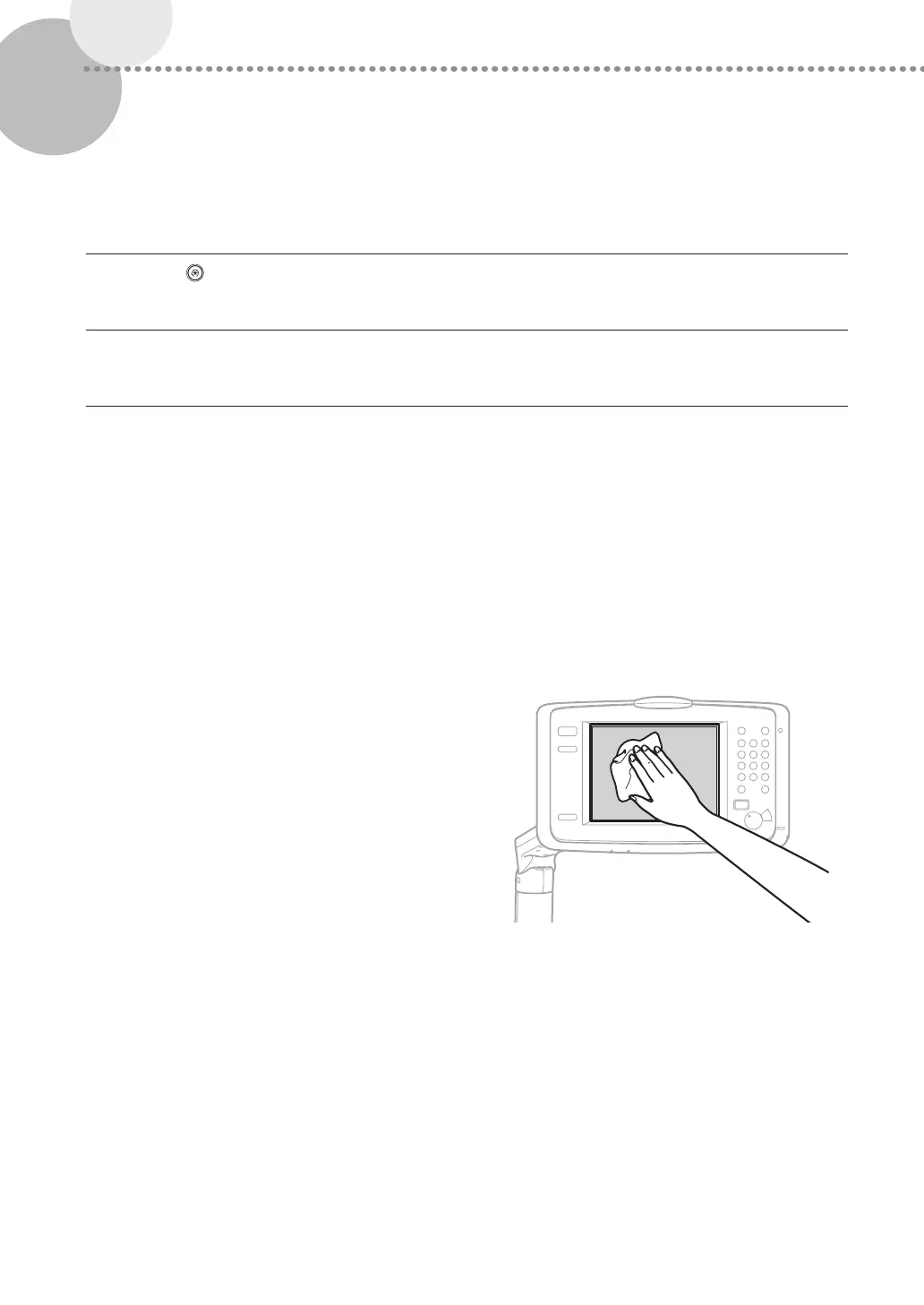
Cleaning the Touch Panel Display
Wipe the touch panel display with a cloth dampened in water
or a mild cleaning agent, and then wipe with a soft, dry cloth.











 To Next Page