7
Parts and Their Functions
▀
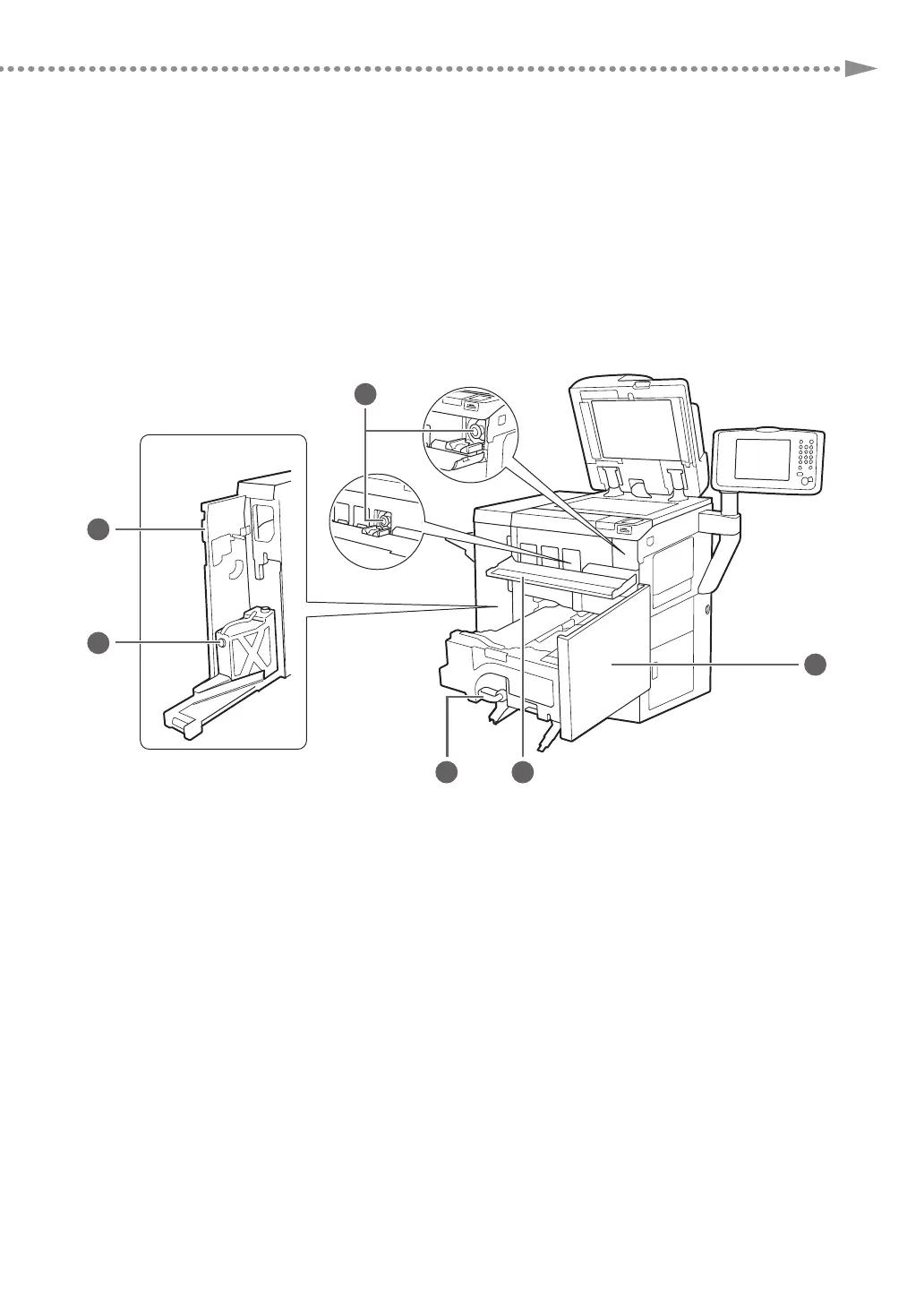
Internal View
1
2
34
5
6
1 Toner Cartridge
This cartridge contains toner. Pull out this cartridge
when replacing it with a new one.
2 Front Cover
Open this cover to clear a paper jam in the
fixing transport unit.
3 Toner Replacement Cover
Open this cover to replace the toner cartridge.
4 Fixing Transport Unit
Pull the fixing transport unit out to clear a paper jam.
5 Waste Toner Container
Waste toner accumulates in this container. Pull out
this container when replacing it with a new one.
6 Left Cover on the Front Side
Open this cover to clear a paper jam or to replace
the waste toner container.











 To Next Page