19
Cleaning and Maintenance
3
Follow the cleaning instructions on the touch panel display.
▀
Cleaning the Feeder
If originals which are fed from the feeder become dirty, follow the cleaning procedure below. Clean with a cloth which
is wrung after being dampened in water, and then clean with a soft and dry cloth. Use the provided glass cleaning
cloth for simple cleaning.
1
Shutting down the machine.
"Shutting Down the Machine," on p. 11
2
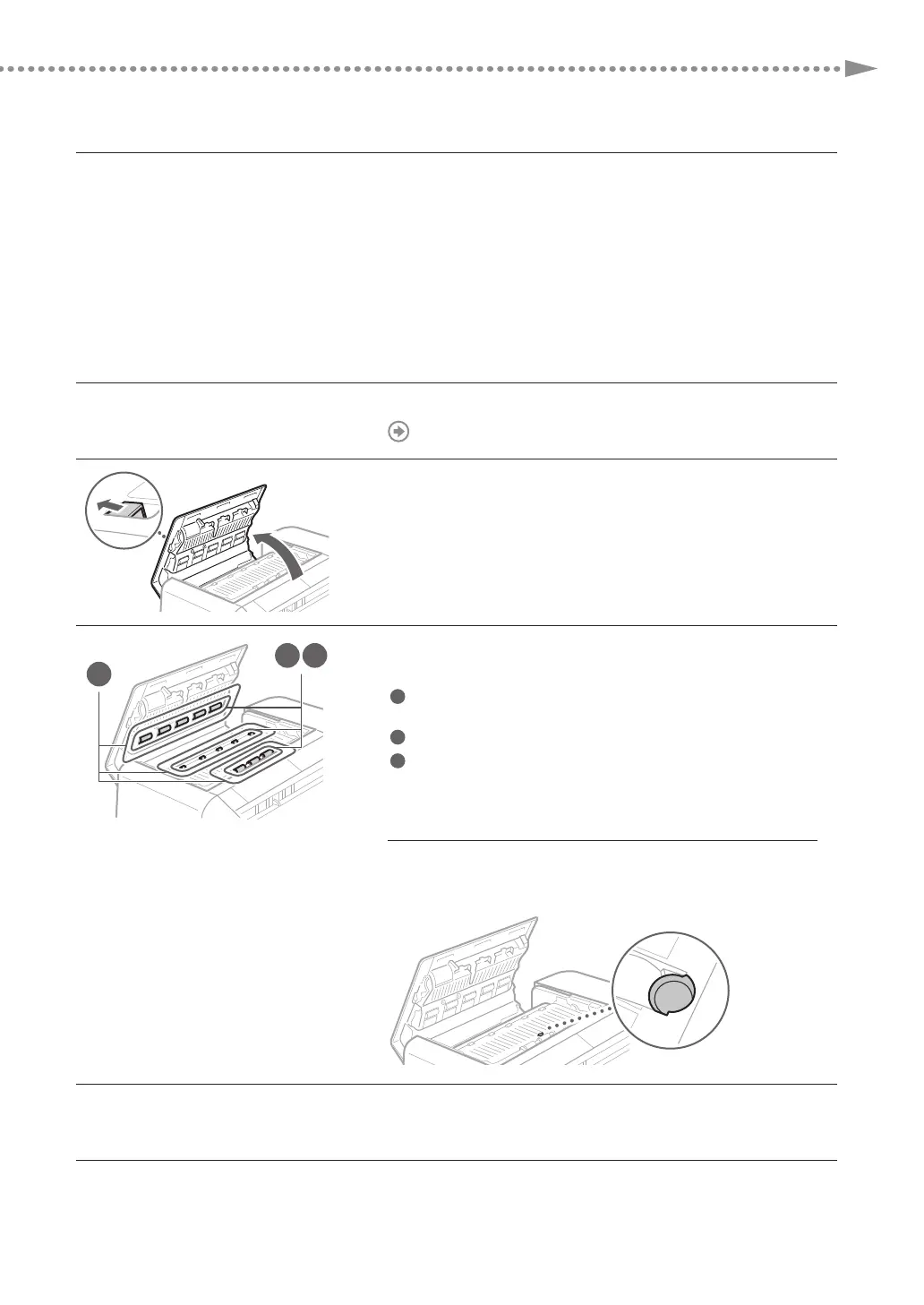
Pull the lever, and open the feeder cover.
2
1
3
3
Clean the rollers and surrounding areas of them inside
the feeder cover.
1
Wet a soft cloth with water and wring it out well, then wipe the
rollers with it.
2
Wipe the rollers with a soft and dry cloth.
3
If the surrounding areas of the rollers are very dirty, clean them
out as well.
IMP
RTANT
Make sure that no trash such as pieces of paper gets into the
groove of the multiple sheet feed detection sensor. If trash does
get in, remove it using a soft cloth.
4
Gently close the feeder cover.











 To Next Page