28
▀
Contacting Your Local Authorized Canon Dealer
If you cannot operate the machine normally after turning the main power OFF and then ON, contact your local
authorized Canon dealer by following the procedure below.
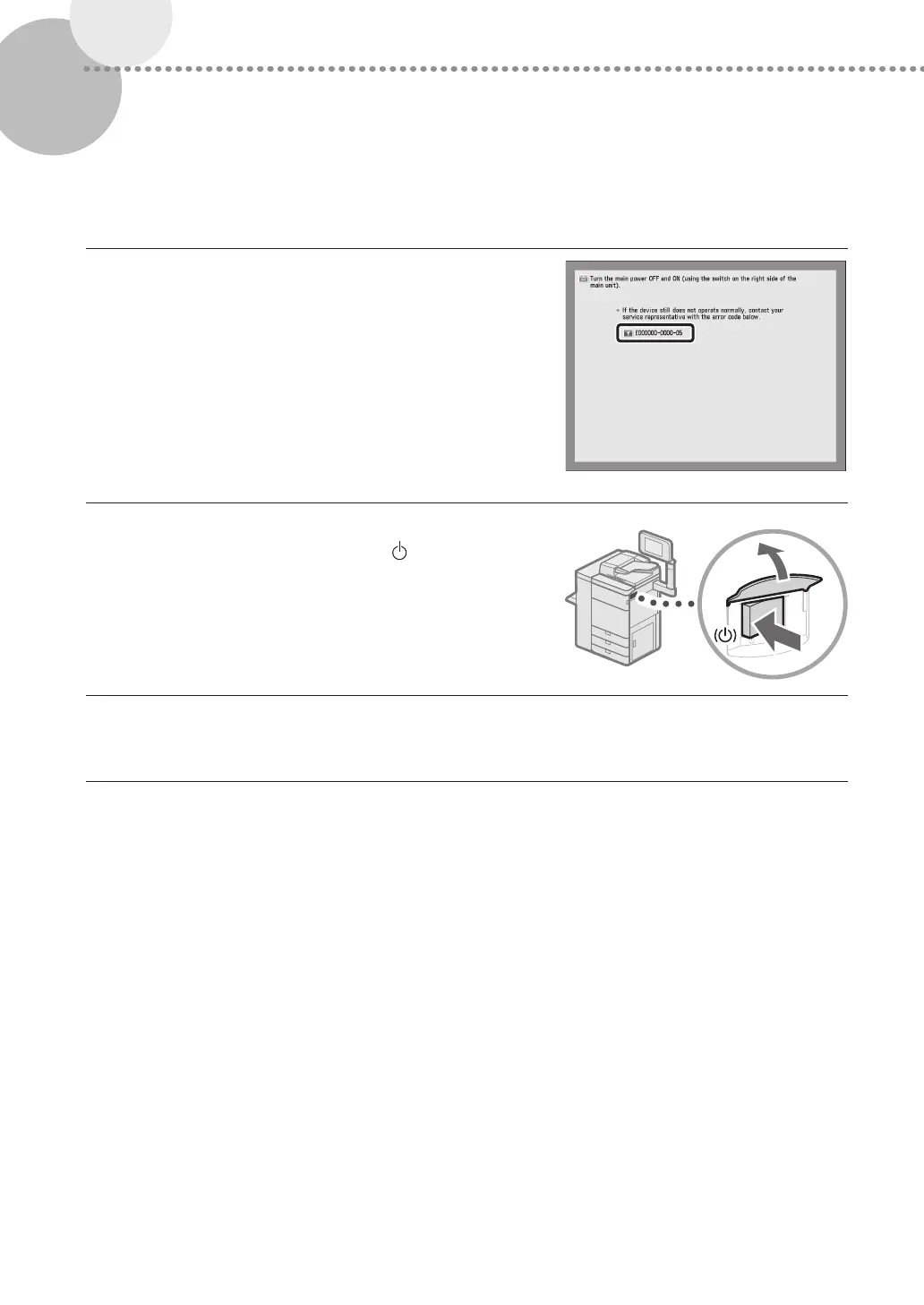
1
Note the error code.
•
Write down the error code "EXXXXX-XXXX".
2
Turn OFF the main power.
•
Press the main power switch to the "
" side.
3
Remove the power plug from the power outlet.
4
Confirm the product name, and contact your local authorized Canon dealer.











 To Next Page