29
Troubleshooting
Scanning will be canceled because the memory is full. Do you want to print (send, store)* the scanned pages?
* A part of the message differs, depending on the function used.
[Yes]: A job for the pages scanned into memory is processed. After processing the job, scan the remaining pages.
[No]: A job for the pages scanned into memory is canceled. Scan the whole pages again.
Scanning will be canceled because the memory is full. Wait a moment, then try again.
[OK]: Scan the whole pages again after the current operation is complete.
Could not perform the operation because the memory is full.
[OK]: Delete unnecessary data from memory, and then scan the whole pages again.
▀
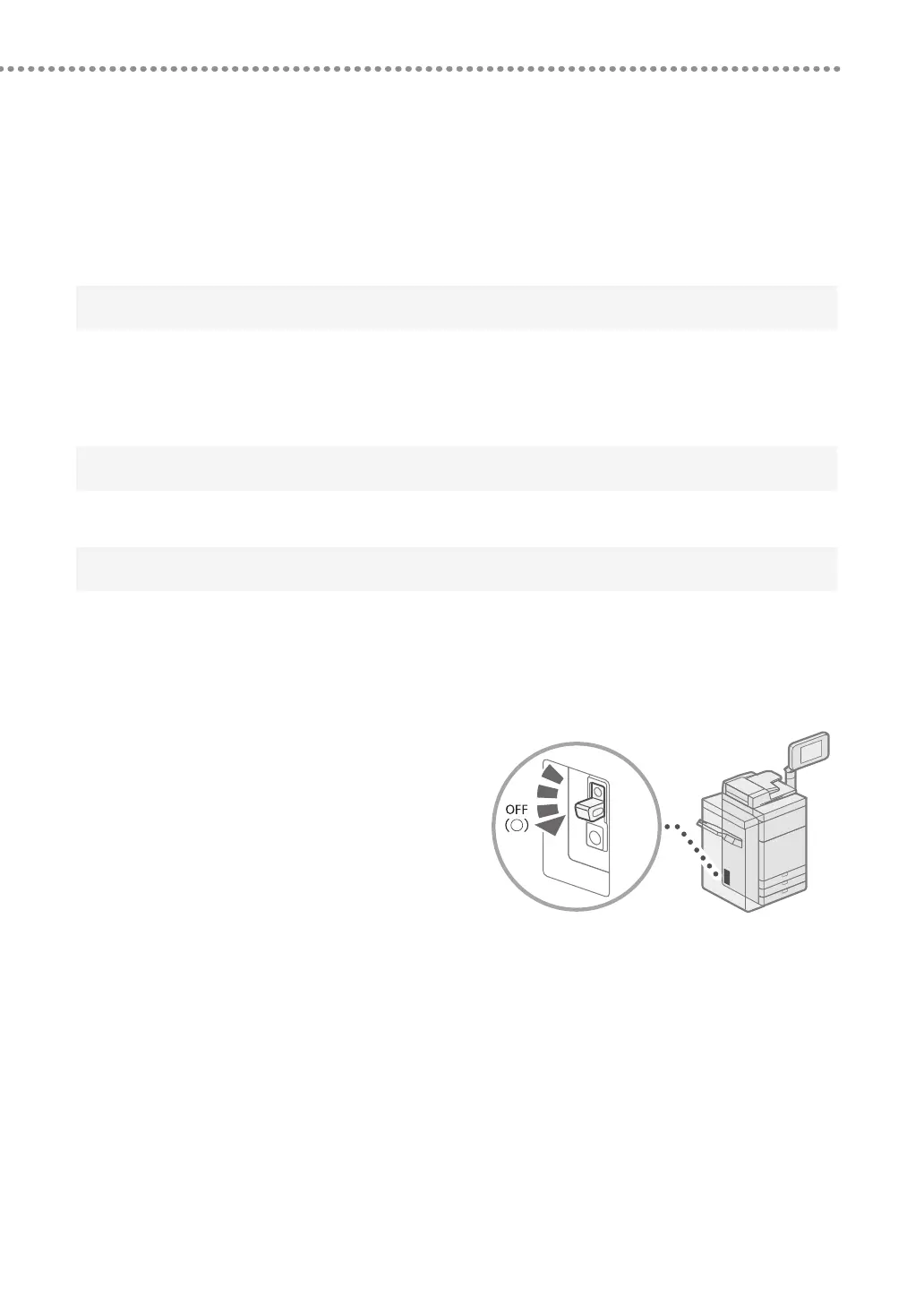
If the Main Power Does Not Turn ON
If the machine cannot operate when the main power is turned
ON, check the breaker. If the breaker is switched to the OFF
position, do not attempt to turn ON the breaker yourself, and
be sure to contact your local authorized Canon dealer.
▀
If Memory Becomes Full
If memory becomes full during scanning, the following messages appear on the touch panel display. Follow the
procedures on the screen, and then delete unnecessary files stored in the Mail Box and Fax/I-Fax Inbox to make more
memory available.











 To Next Page