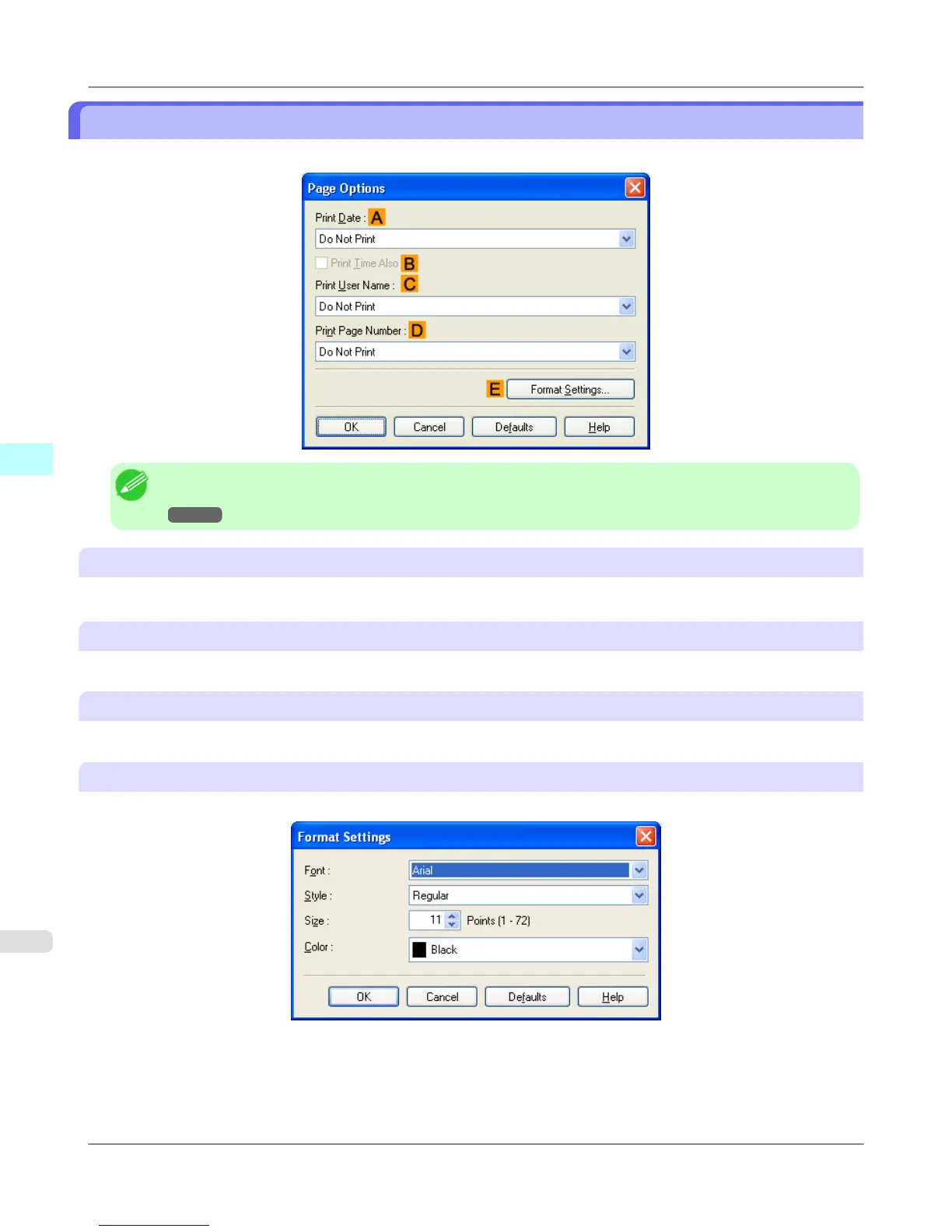
Page Options Dialog Box
The Page Options dialog box offers the following settings.
Note
• To display the Page Options dialog box, on the Layout sheet, click Page Options.(See "Layout Sheet
→P.232 ")
A Print Date
Select where the date is printed, as desired. To print the time as well, select BPrint Time Also.
C Print User Name
Select where the user name is printed, as desired.
D Print Page Number
Select where the page number is printed, as desired.
E Format Settings
Click to display the Format Settings dialog box, which enables you to complete format-related settings.
Windows Software
>
Printer Driver
>
Page Options Dialog Box iPF755
4
234


 To Next Page
 Loading...











