2. Right-click the Printers icon and select Printing Preferences to open the Printing Preferences dialog box.
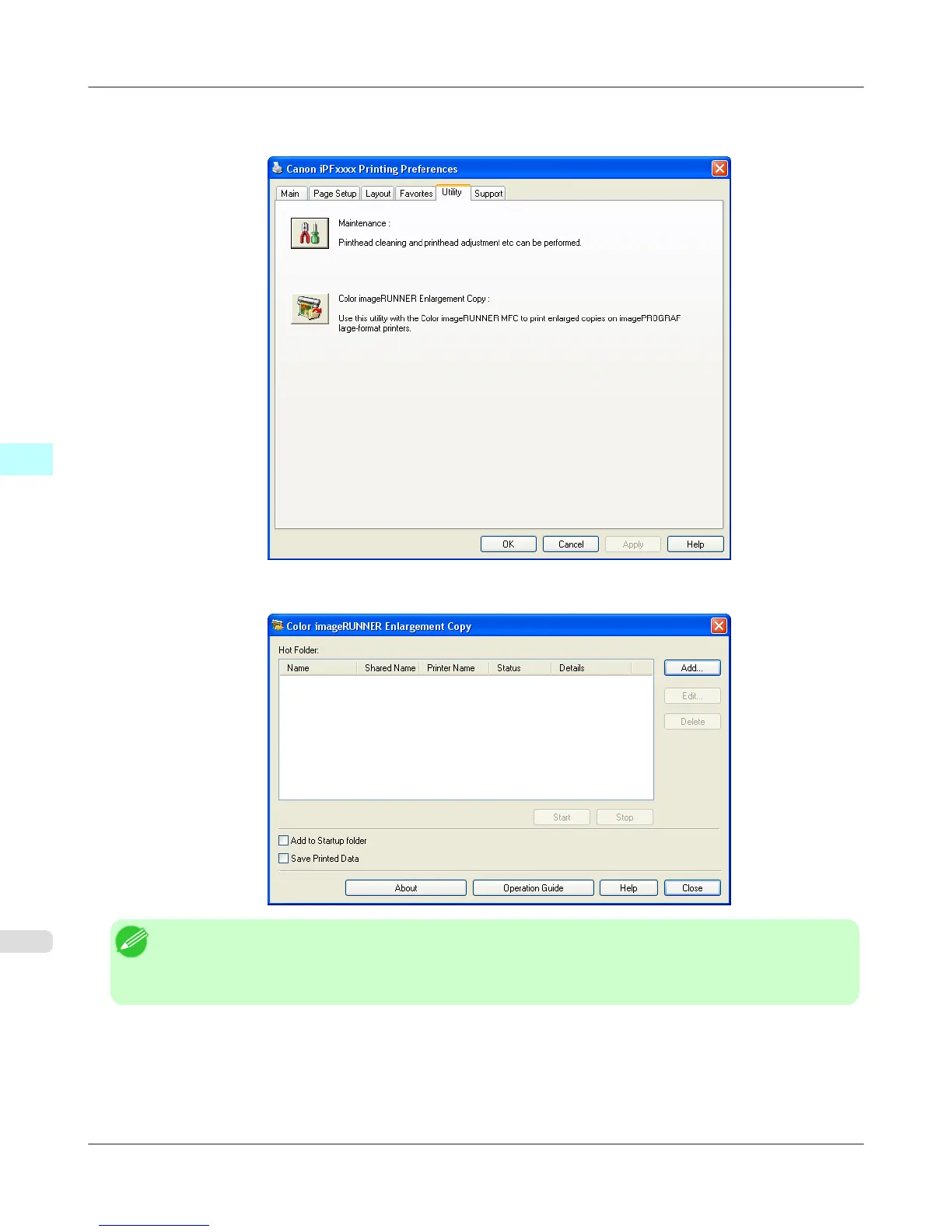
In the Utility sheet, click the Color imageRUNNER Enlargement Copy button.
3. The Color imageRUNNER Enlargement Copy dialog box displays.
Note
• If you click on the Add to Startup folder check box in the Color imageRUNNER Enlargement Copy
dialog box, the icon of Color imageRUNNER Enlargement Copy utility will appear on the task bar when
starting Windows thereafter.
Windows Software
>
Color imageRUNNER Enlargement Copy
>
Starting Color imageRUNNER Enlargement Copy iPF755
4
286


 To Next Page
 Loading...











