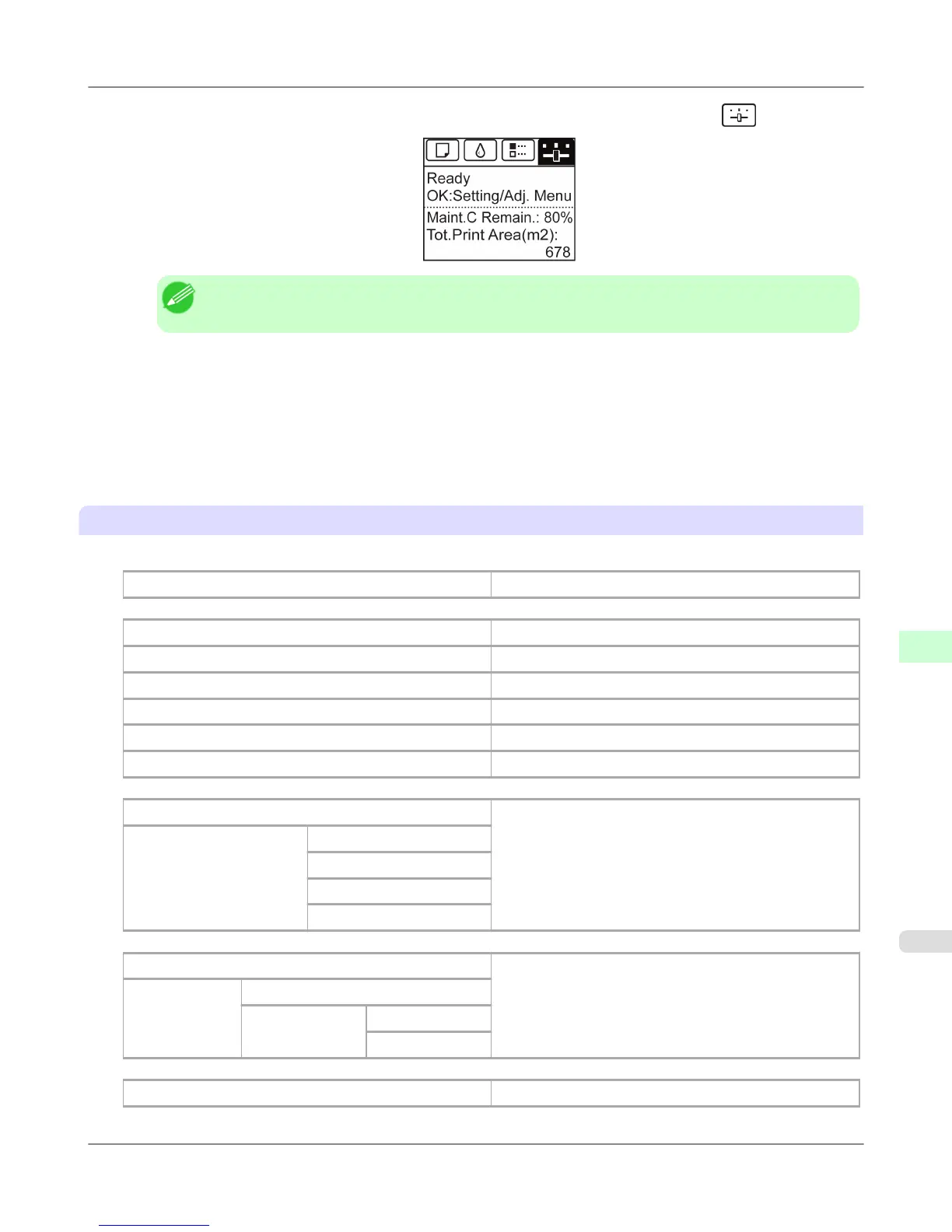
2. On the Tab Selection screen of the Control Panel, press ◀ or ▶ to select Settings/Adj. tab ( ).
Note
• If the Tab Selection screen is not displayed, press the Menu button.
3. Press the OK button.
The Set./Adj. Menu is displayed.
4. Press ▲ or ▼ to select Test Print, and then press the OK button.
5. Press ▲ or ▼ to select Status Print, and then press the OK button.
Checking the information in Status Print reports
The following information is included in Status Print reports.
Canon imagePROGRAF iPFxxxx Status Print
Printer model
Firm Firmware Version
Boot Boot ROM Version
MIT(DBF) MIT Database Format Version
MIT(DB) MIT Database Version
S/N Printer serial number
Date Indicates when the status print report was printed.
Paper Menu Information on the loaded paper.
Roll Media Type
Cut Sheet Type
ManageRemainRoll
Keep Paper Type
Job Menu Indicates the total hard disk capacity and the mail box free
space.
HDD Information
Total capacity
Box free space
Set./Adj. Menu Settings and adjustment information.
Printer Parts
>
Control Panel
>
iPF755 Status Print
9
731


 To Next Page
 Loading...











