Making Prints Using the Stack Bypass
2-21
Basic Operations
2
5
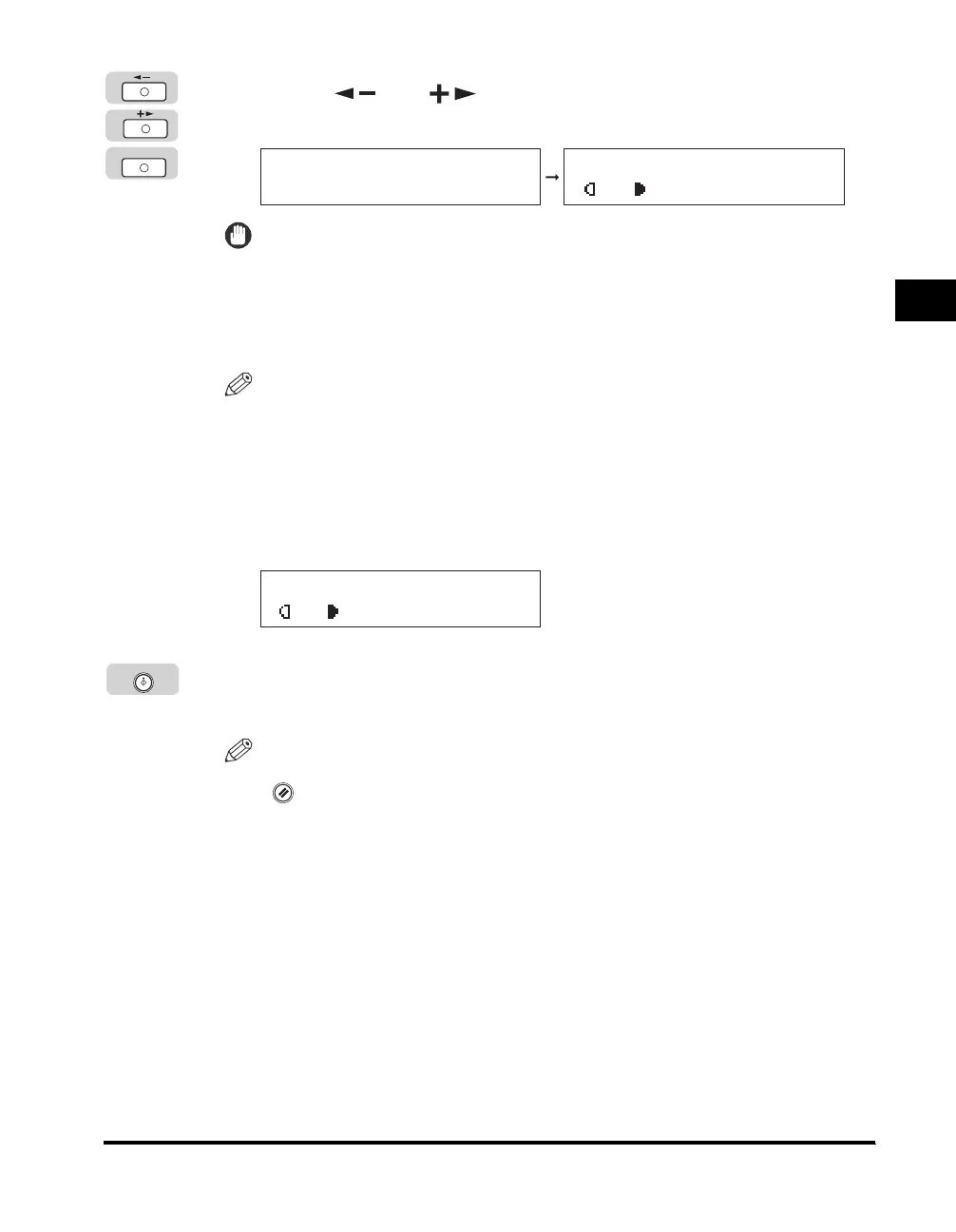
Press [ ] or [ ] to select the desired paper type ➞
press [OK].
IMPORTANT
When printing on special types of paper, such as heavyweight paper or
transparencies, be sure to correctly set the paper type, especially if you are using
heavyweight paper. If the type of paper is not set correctly, it could adversely affect
the quality of the image. Moreover, the fixing unit may become dirty and require a
service repair, or the paper could jam.
NOTE
•
<TRANSPARENCY> can be selected only if <LTR> is selected as the paper size.
•
If you select <TRANSPARENCY> or <LABELS>, Staple in the finisher mode is
ignored.
•
For more information on paper types, see "Available Paper Stock," on p. 2-24.
6
Place your originals ➞ select the desired copy settings.
7
Press [Start].
Copying starts.
NOTE
To cancel all settings and return the machine to the Standby display, press
(Reset).
OK
SELECT PAPER TYPE
PLAIN PAPER
100% LTR
A TEXT
O1
100% LTR
A TEXT
O1
Start



 To Next Page