Chapter 1
36
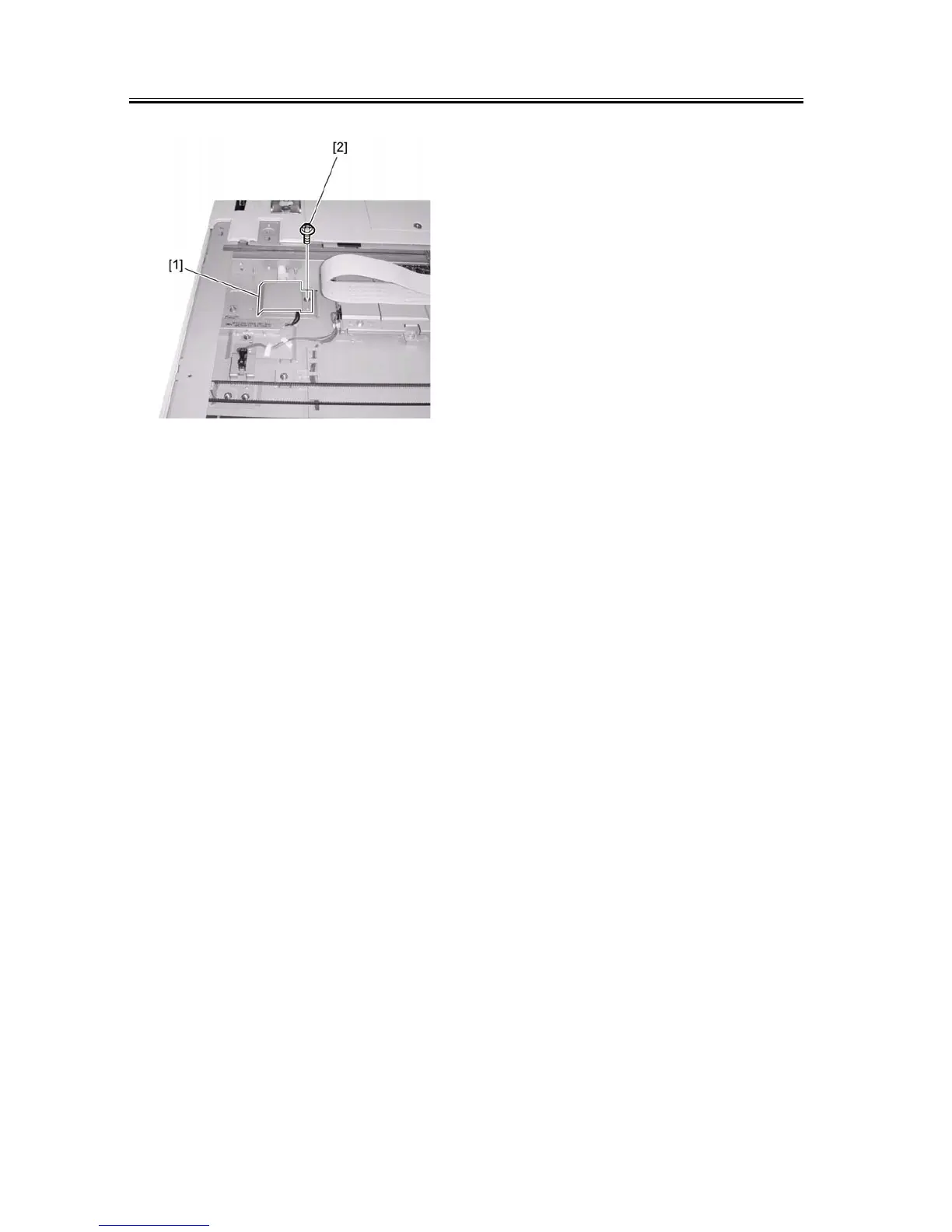
F-1-89
7) Reinstall the parts at the left of the reader.
8) Attach the front cover of the reader. (2 screws)
9) Install the copyboard glass.
10) Install the right glass holder of the reader. (2
screws)
11) Attach the rear left cover of the host machine. (3
screws)
12) Attach the upper-right cover of the host machine.
(1 screw)
13) Attach the lower-right cover of the host machine.
(5 screws)
14) Attach the rear cover of the host machine. (4
screws)










 To Next Page