INTRODUCTION
[ How to use this Service Manual ]
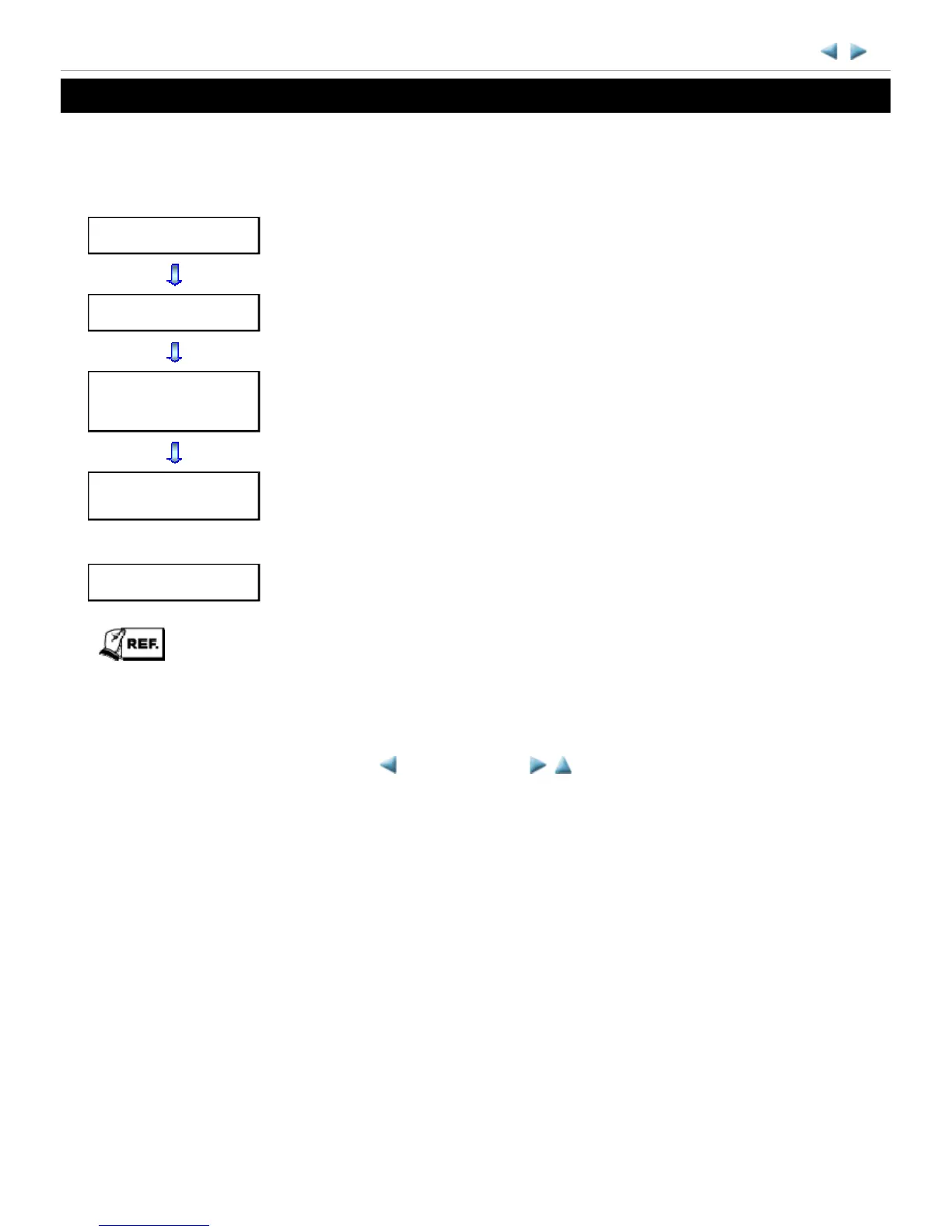
This manual is intended to solve printer problems smoothly, with each section representing the typical service
procedures, as shown below.
This manual does not provide sufficient information for disassembly and reassembly procedures. Refer to the
graphics in the separate Parts Catalog.
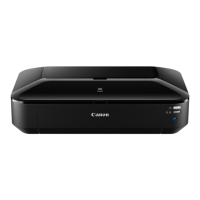
iX6500 series
Troubleshooting
Identify the problem, and handle it accordingly.
Repair
When a part needs to be replaced, see this section.
Adjustment &
Settings
After repair, perform the necessary adjustment and settings.
Verification
At the end of the servicing, verify the printer following the inspection flow in this
section.
Appendix
Information that will be necessary for maintenance and repair of the printer.
<INTRODUCTION>






 To Next Page