(2) Printer unit removal & Ink absorber replacement
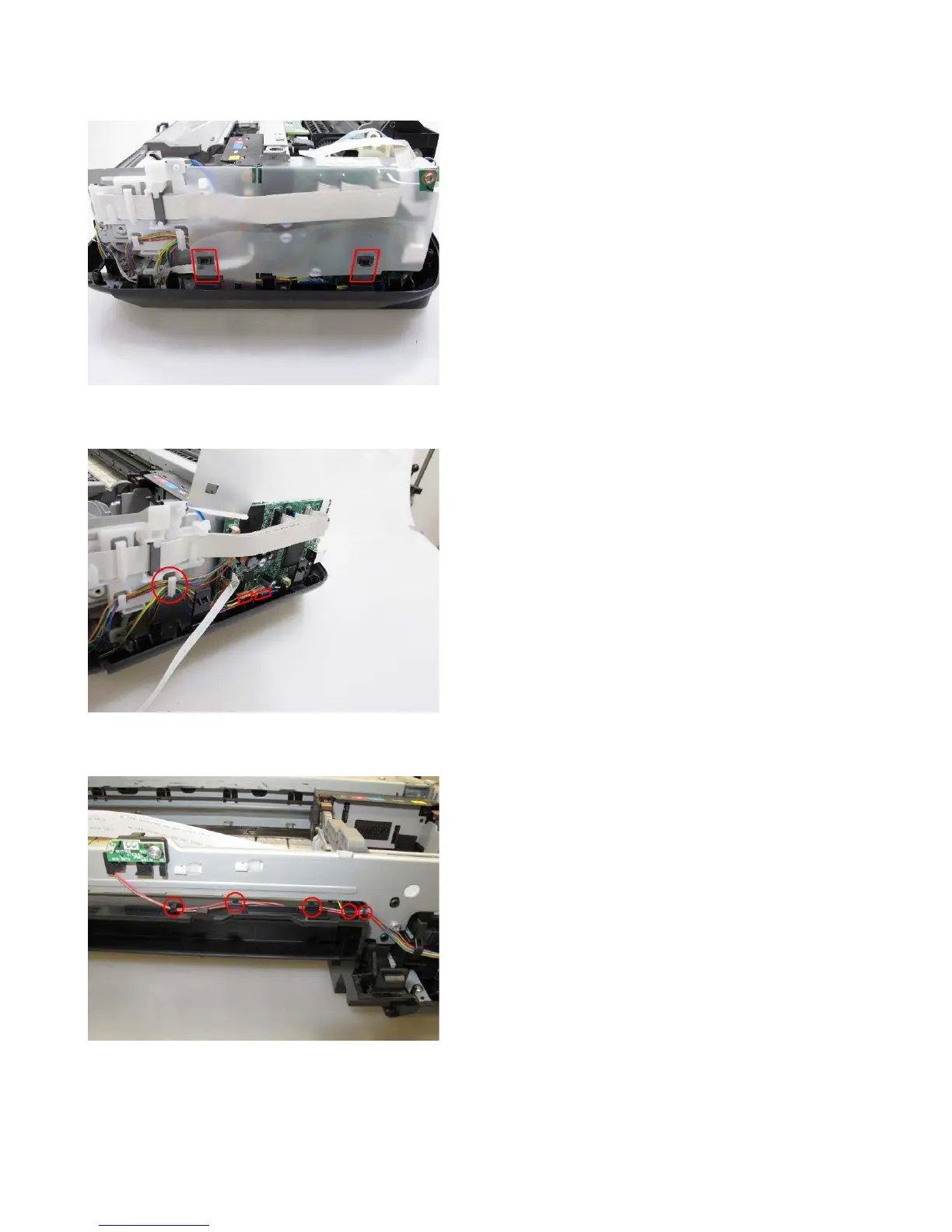
1) Remove the protective sheet from the bottom case.
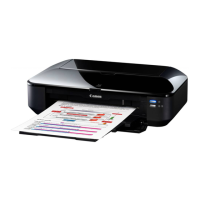
2) Disconnect the front cover switch and DC harnesses from the logic board, and release the front
cover switch harness from the holder.
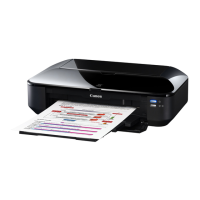
3) Release the ink sensor harness and the temperature & ink amount sensor harness from the holders
of the bottom case.




 To Next Page