2-17
Setting Up the Network Environment for Printing
2
Installing the CAPT Software
IMPORTANT
•
If you are using Windows XP Service Pack 2 or another operating system equipped
with Windows Firewall, and the Windows Firewall is enabled, the printer in which
the IP address has not been set yet is not displayed. It is recommended that you
set the IP address using the ARP/PING command. For details on the procedure for
setting the IP address using the ARP/PING command, see "IP Address Setting
Using the ARP/PING Command," on p. 2-22.
•
If you are using Windows XP Service Pack 2 or another operating system equipped
with Windows Firewall and the Windows Firewall is enabled, and when you set the
IP address using NetSpot Device Installer, perform either of the following
procedures.
- Add "NetSpot Device Installer" to the [Exceptions] sheet in the [Windows Firewall]
dialog box (See Readme of NetSpot Device Installer)
- Installing NetSpot Device Installer (See p. 3-46)
NOTE
If you are using an operating system other than Windows XP Service Pack 2 or
another operating system equipped with Windows Firewall, and the desired printer
is not detected, select [Discover Devices] from the [View] menu, and then search
for the printer again.
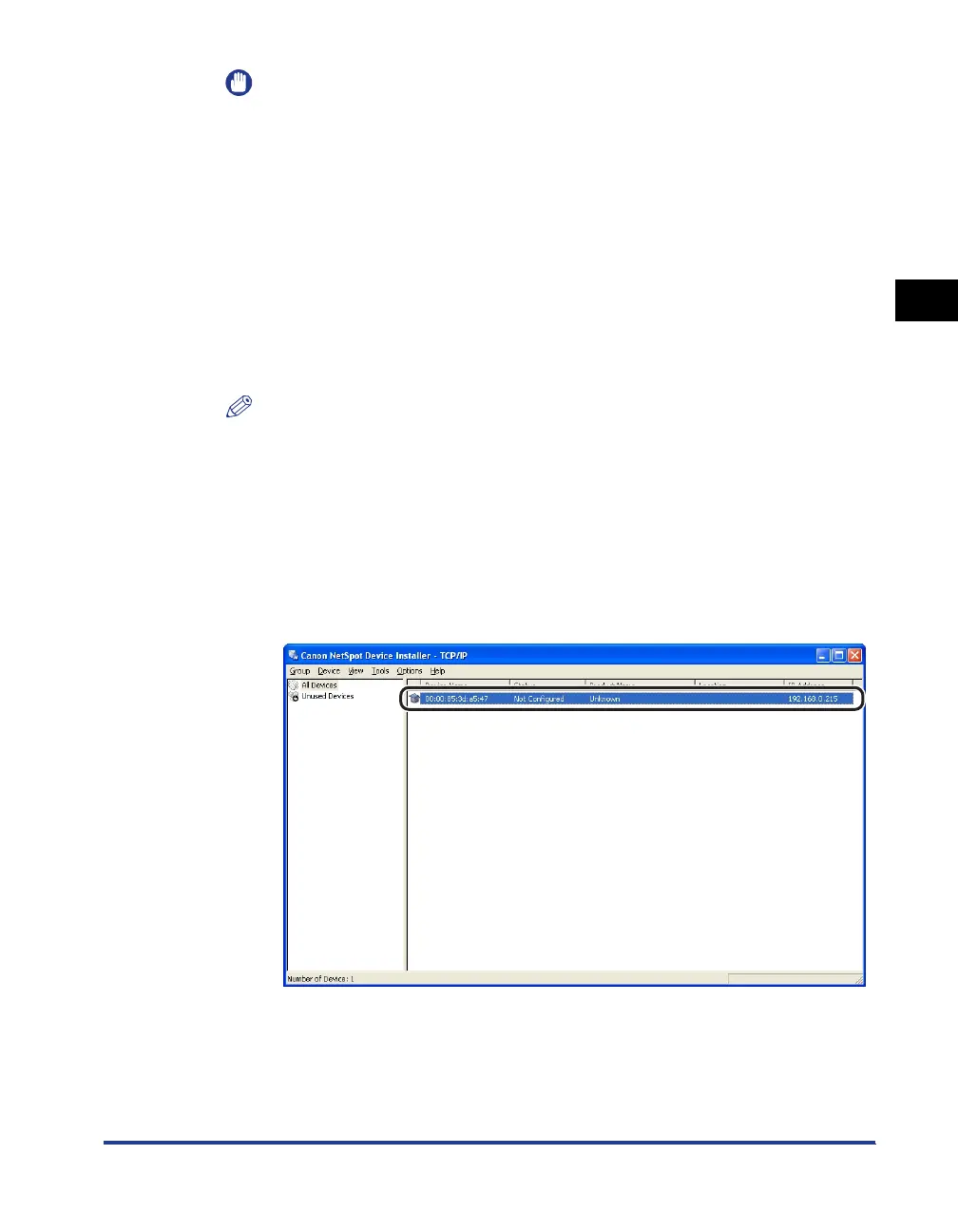
● When [Status] is set to [Not Configured], and the device of which
[Device Name] is the MAC address on the network board is dis-
played on the device list
❑ Select the device.












 To Next Page