7-26
Routine Maintenance
7
Adjusting the Printing Position
4
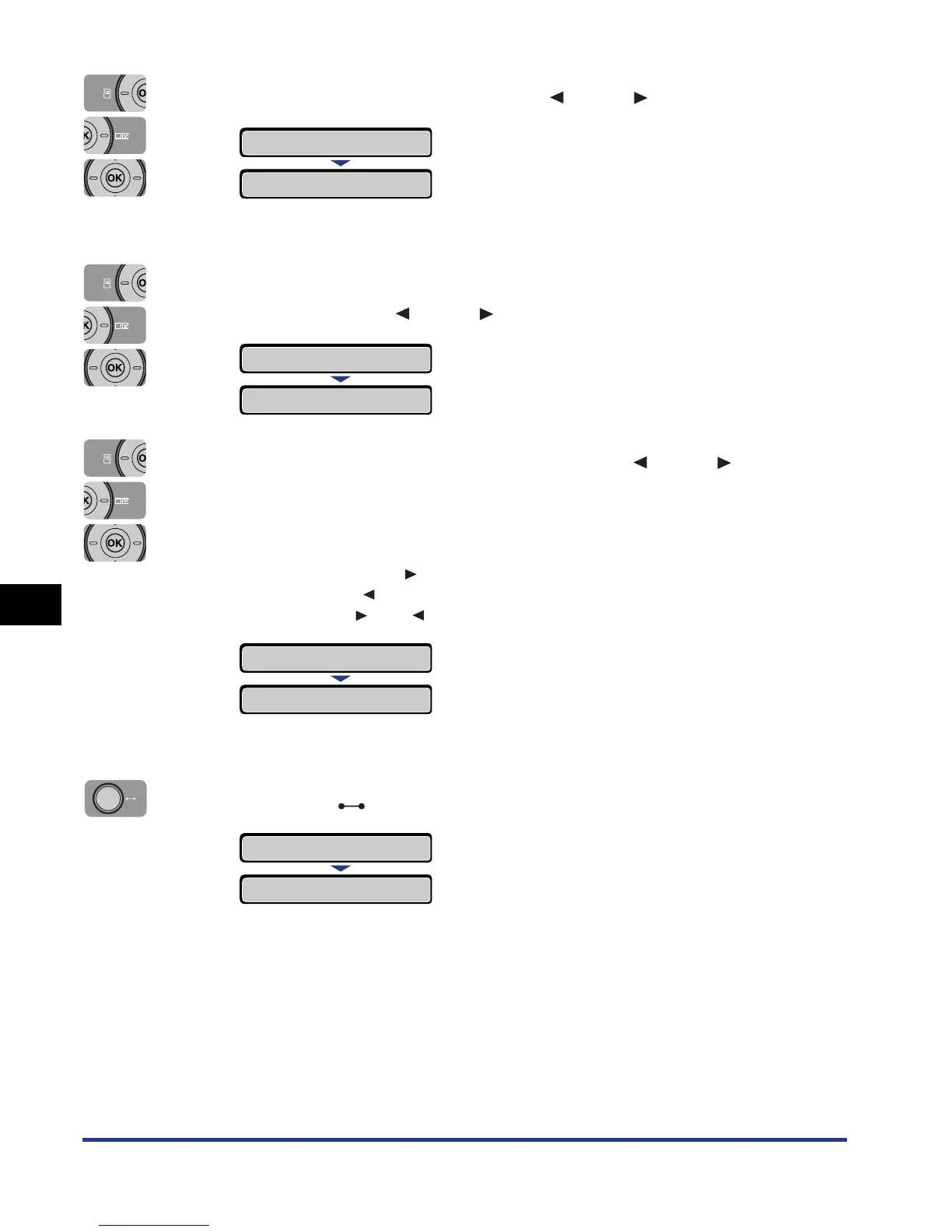
Select ADJ.START POS. using [ ] and [ ], then press [OK].
The item for the printing position is displayed.
5
Select the paper source that you want to check the printing
position using [ ] and [ ], then press [OK].
6
Specify the target numeric value using [ ] and [ ], then
press [OK].
Check the printout results of the Printing Position Adjustment Print and select the
numerical value to adjust the position.
Each time you press [ ], the value increases in + 0.1 mm increments, and each
time you press [ ], the value decreases in - 0.1 mm increments. If you keep
holding down [ ] or [ ], the speed of the value changing is increased.
"=" is displayed on the left of the value, and the printing position is specified.
7
Press the (Online) key.
ADJ.START POS.
→
OFFSET Y(TRAY)
→
OFFSET Y(CASS1)
→
=0.0
→
-5.0
→
=-5.0
→
OFFSET Y(CASS1)
→
00 READY A4













 To Next Page