92 Using the Canon Advanced Printing Technology Chapter 3
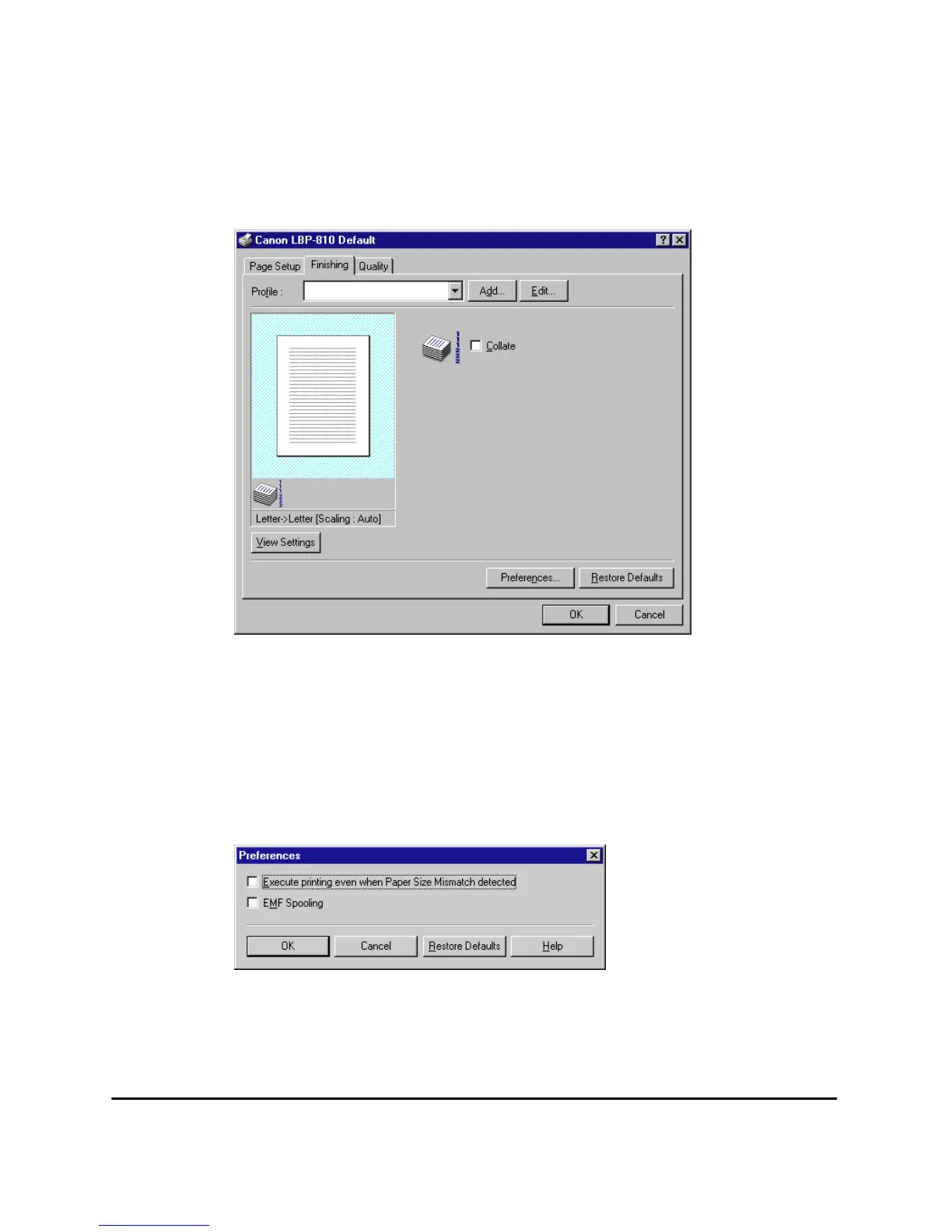
Finishing Tab
Specifies how final output is collated. Check the check box to collate the
document.
For information on Profiles, see page 90.
Preferences
Preferences... on the Finishing tab window opens the Preferences
dialog box. The first check box lets you force pages to print, even when
the paper size does not match. If this is not checked, you’ll be asked to
change paper when a paper size mismatch is detected. The second check
box lets you turn EMF Spooling on. If this is not checked, EMF Spooling
will be off. These settings are unchecked by default.


 To Next Page
 Loading...









