14 Paper Handling Chapter 2
Selecting Paper Delivery
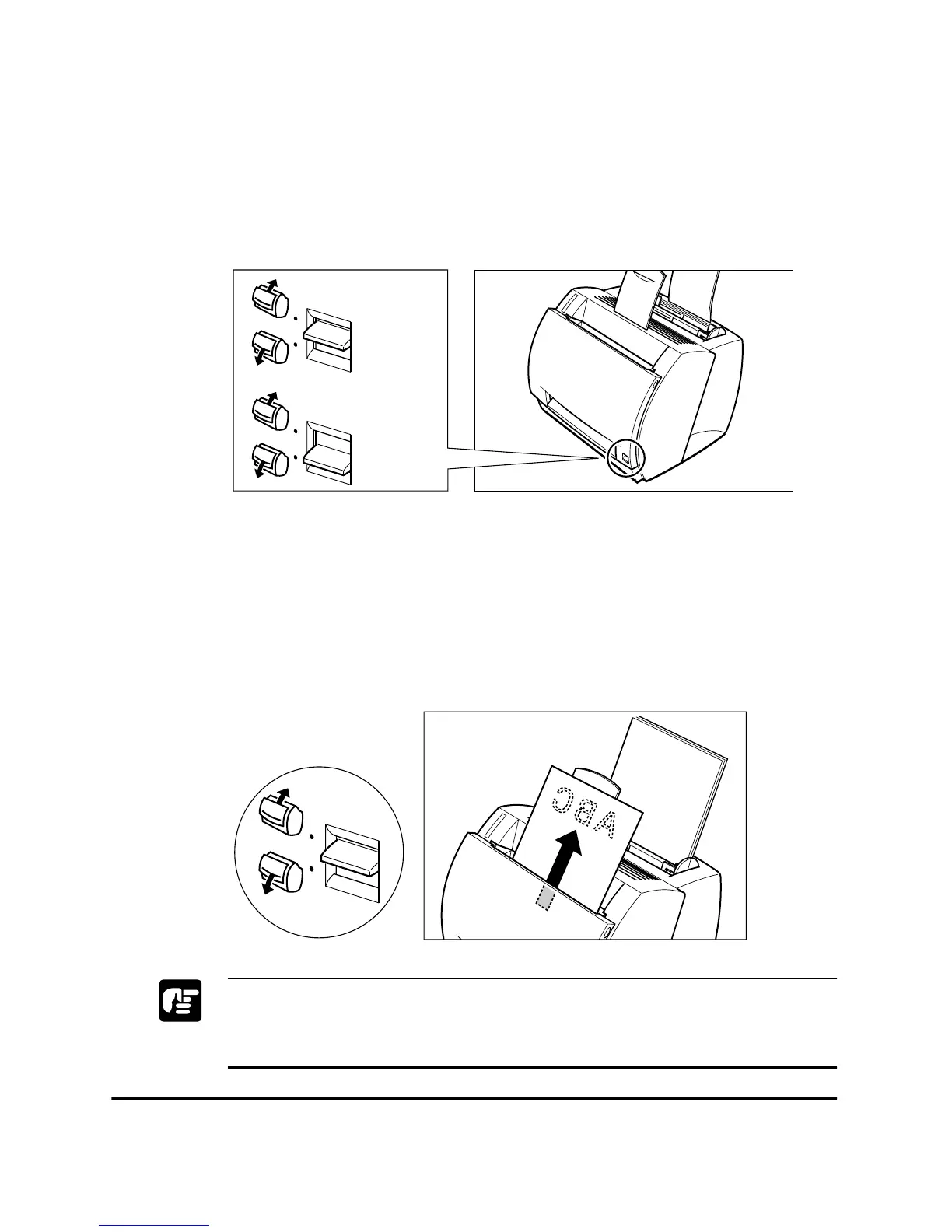
Use the paper delivery selector to choose face-up or face-down delivery.
When the selector is in the lower position, face-up delivery is selected.
When the selector is in the upper position, face-down delivery is selected.
Face-down Delivery
Use face-down delivery for plain paper only. Printouts are stacked in
order in the face-down delivery slot (which can hold up to 100 sheets of
75 g/m
2
paper).
To select face-down delivery, move the paper delivery selector up.
❏ Do not replace paper in the face-down delivery slot once it is removed
from the slot. This could result in damage to the flaps inside the slot.
❏ Never insert paper or other objects into the face-down delivery slot.
Face-down
Face-up












 To Next Page