Paper Handling
Chapter 2 Paper Handling 15
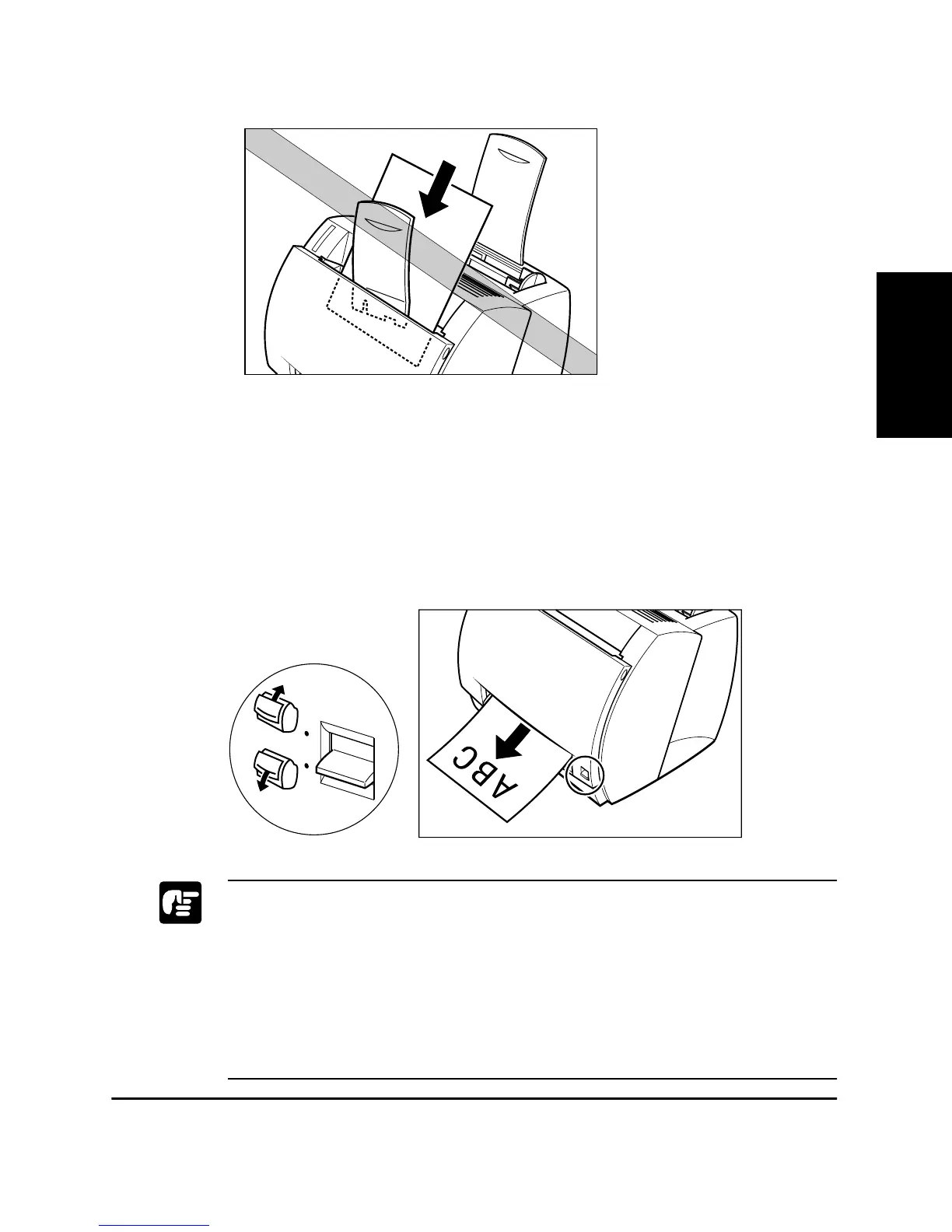
Face-up Delivery
Use face-up delivery for envelopes and transparencies, as well as other
special paper, including non-standard sized plain paper. Printouts come
out from the face-up delivery slot face up. This helps prevent paper curl.
To select face-up delivery, push the paper delivery selector down.
❏ Do not pull on the printout while it is still emerging from the face-up
delivery slot.
❏ Do not switch the paper delivery selector until the printout has
completely come out of the delivery slot. Switching the paper delivery
selector while printing could cause a paper jam.
❏ Make sure there is enough room at the front of the printer for the paper
to exit.












 To Next Page