Using the Canon
Advanced Printing
Technology
Chapter 3 Using the Canon Advanced Printing Technology 31
For Windows Me, select Specify the location of the driver (Advanced)
and click Next > in the Add New Hardware Wizard.
Click only Specify the location then click Browse… to select the driver
you want to install. For example, if your CD-ROM drive is drive D,
browse to D:\English\WinMe and click OK.
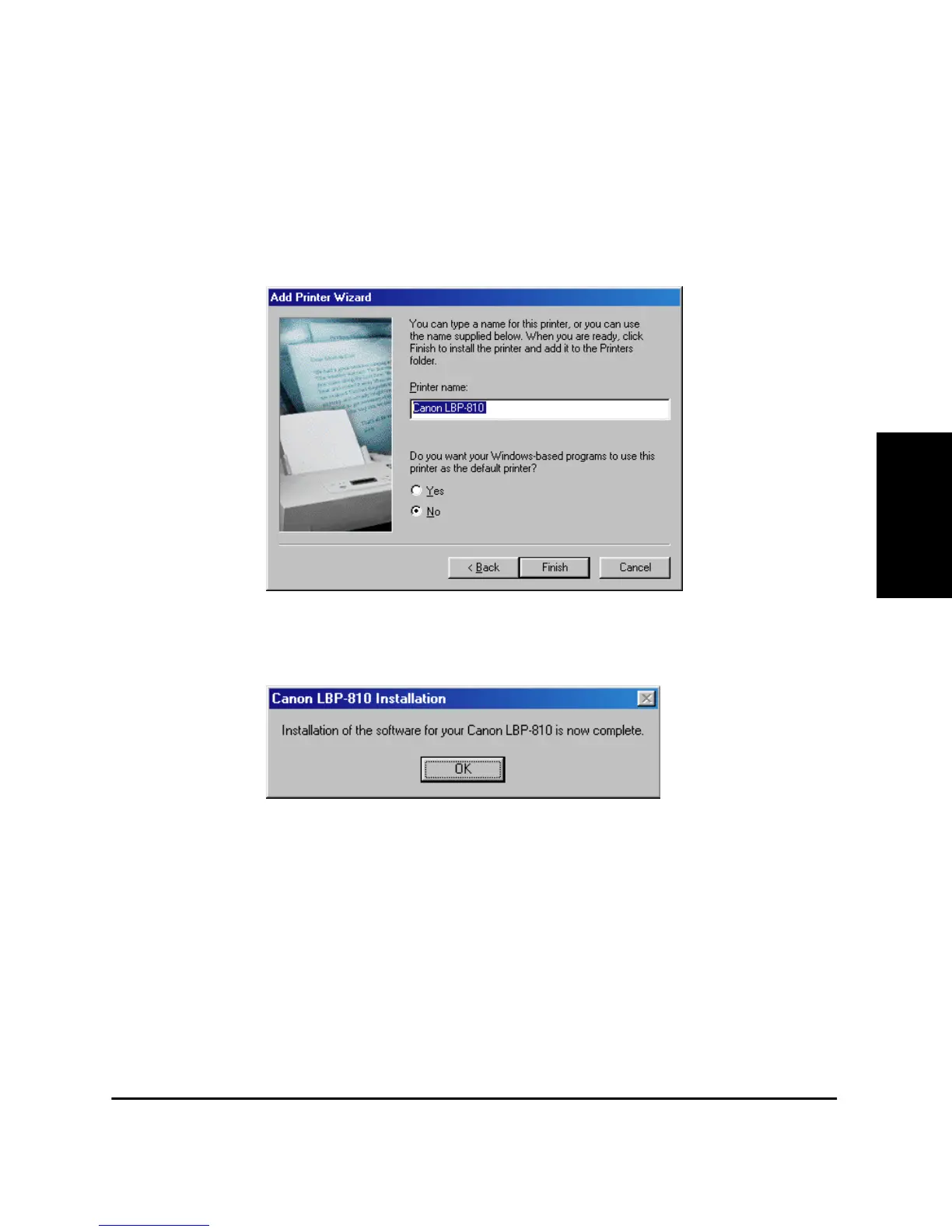
5. Enter the name you wish to use, then click Finish.
6. When the installation is complete, the following dialog box appears.
To close the dialog box, click OK. Click Finish on the Add New
Hardware wizard.
Add Printer Wizard
To install the CAPT on a local computer using Windows 95/98/Me, you
can use the Windows 95/98/Me Add Printer Wizard.
Following is the installation procedures for “Using Parallel Port” under
Windows 98.
To install the LBP-810 printer driver to USB port, perform procedure as
same as “CD-ROM Installation” or “Plug and Play”.












 To Next Page