30 Using the Canon Advanced Printing Technology Chapter 3
For Windows Me, select Specify the location of the driver (Advanced)
and click Next > in the Add New Hardware Wizard.
Click only Specify the location then click Browse… to select the driver
you want to install. For example, if your CD-ROM drive is drive D,
browse to D:\English\WinMe and click OK.
The installation of the USB class driver will complete.
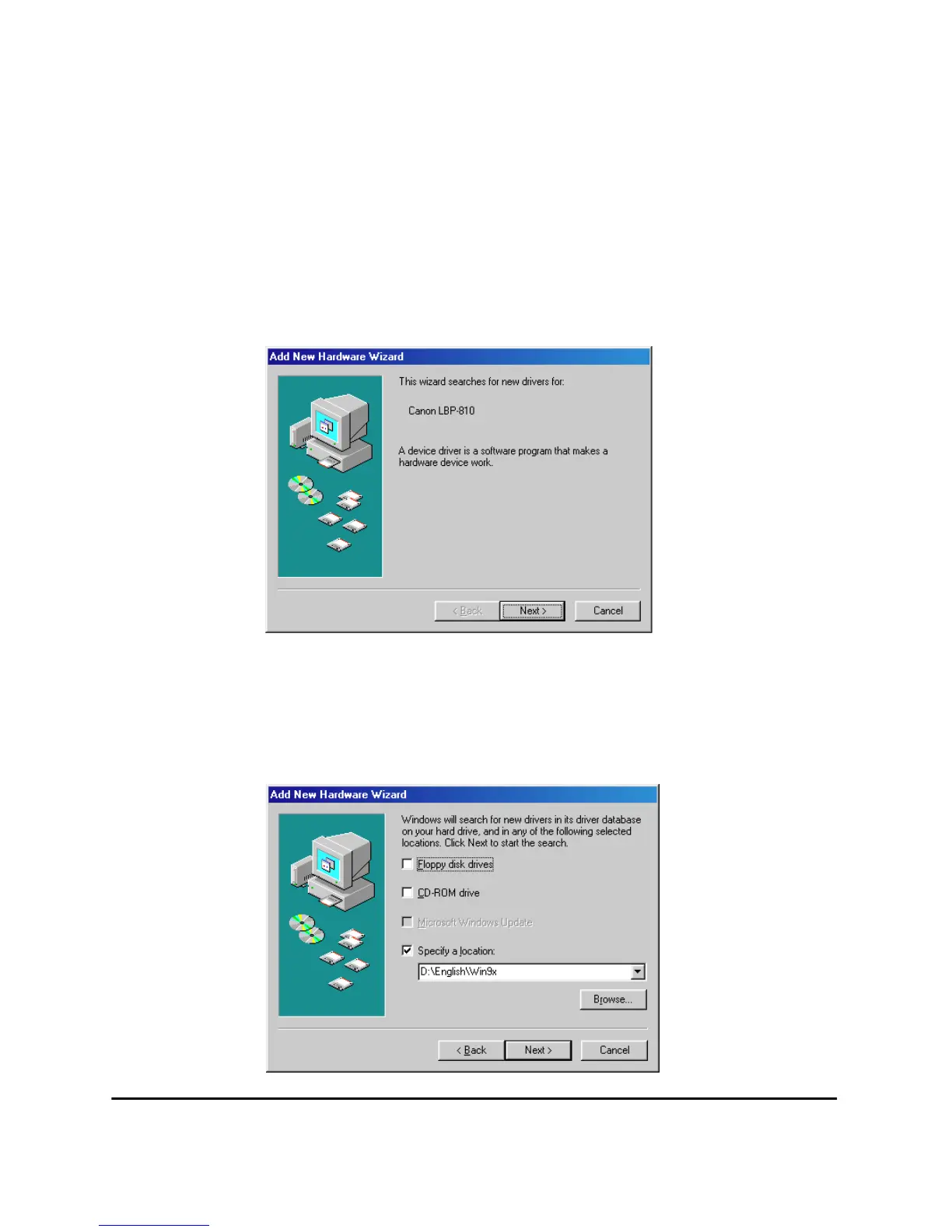
3. The Add New Hardware Wizard (Canon LBP-810) appears. Click
Next>.
4. Select Search for the best driver for you device (recommended)
and click Next >. Click only Specify a location and Browse… to
select the driver in the language that you want to install. For
example, if your CD-ROM drive is drive D, brows to
D:\English\Win9x and click OK >.












 To Next Page