58 Using the Canon Advanced Printing Technology Chapter 3
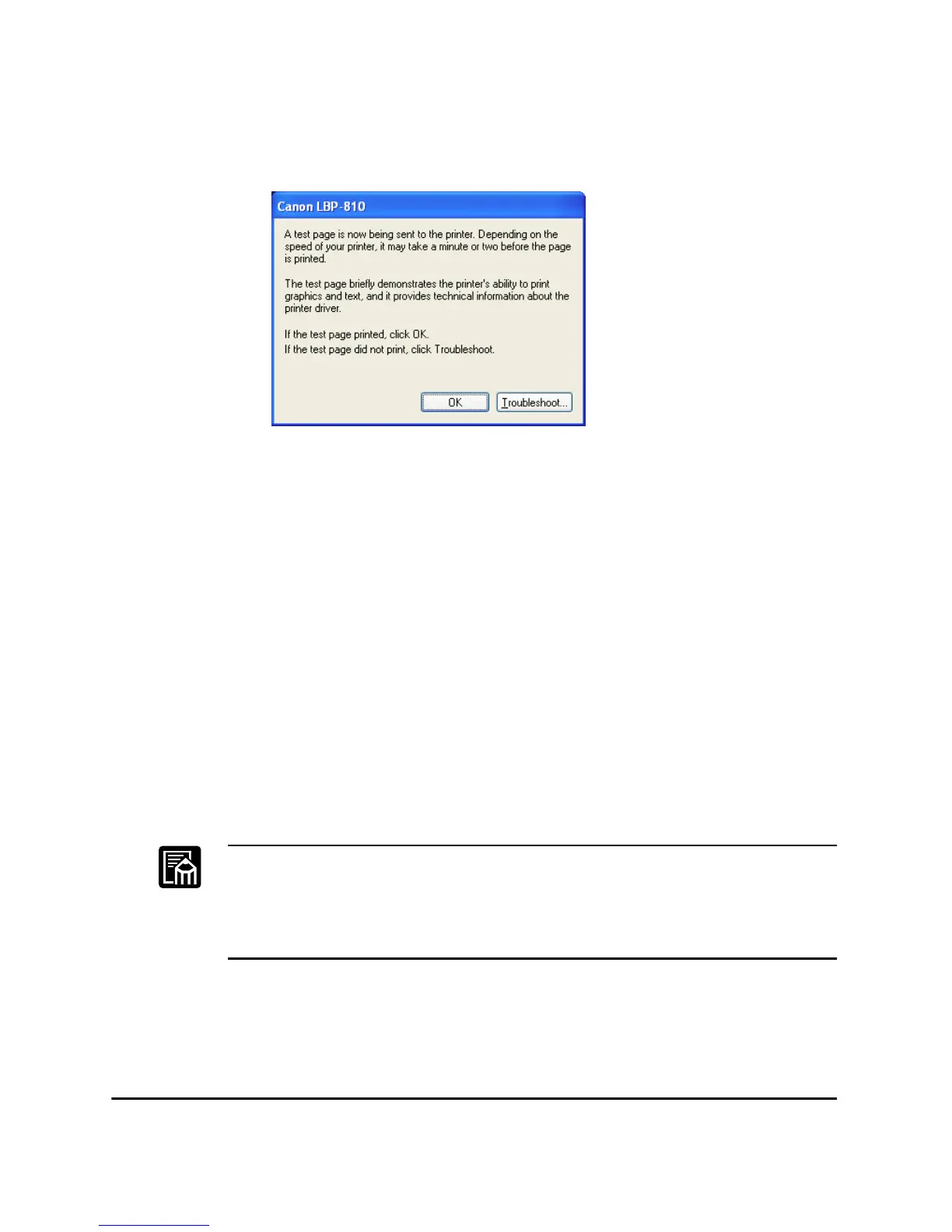
14. If you opted to print a test page, the page prints after installation
completes, and the following dialog appears. If the page printed
correctly, click OK.
Connecting to the LBP-810 Already on Your Network
If the LBP-810 is already on your network you can install it two different
ways. The easiest way is using automatic network download. If network
download is not available, you can use the Add Printer Wizard.
Network Download
Windows 95/98/Me and Windows NT 4.0/2000/XP clients can download
the drivers for the LBP-810 automatically.
1. Open Explorer and browse the network until you can see the
LBP-810 printer icon.
2. Double-click the printer icon, or drag the printer icon to your
Printers folder.
3. Follow the instructions on screen.
❏ Service Pack 4 or later must be installed on Windows NT servers in
order for Windows 95/98/Me clients to use network download.
❏ Windows NT 4.0/2000/XP clients cannot download the driver from
Windows 95/98/Me servers.












 To Next Page