Paper Handling
Chapter 2 Paper Handling 19
Loading Envelopes into the MP Tray
Before Loading Envelopes
Please be sure to follow these steps before loading envelopes:
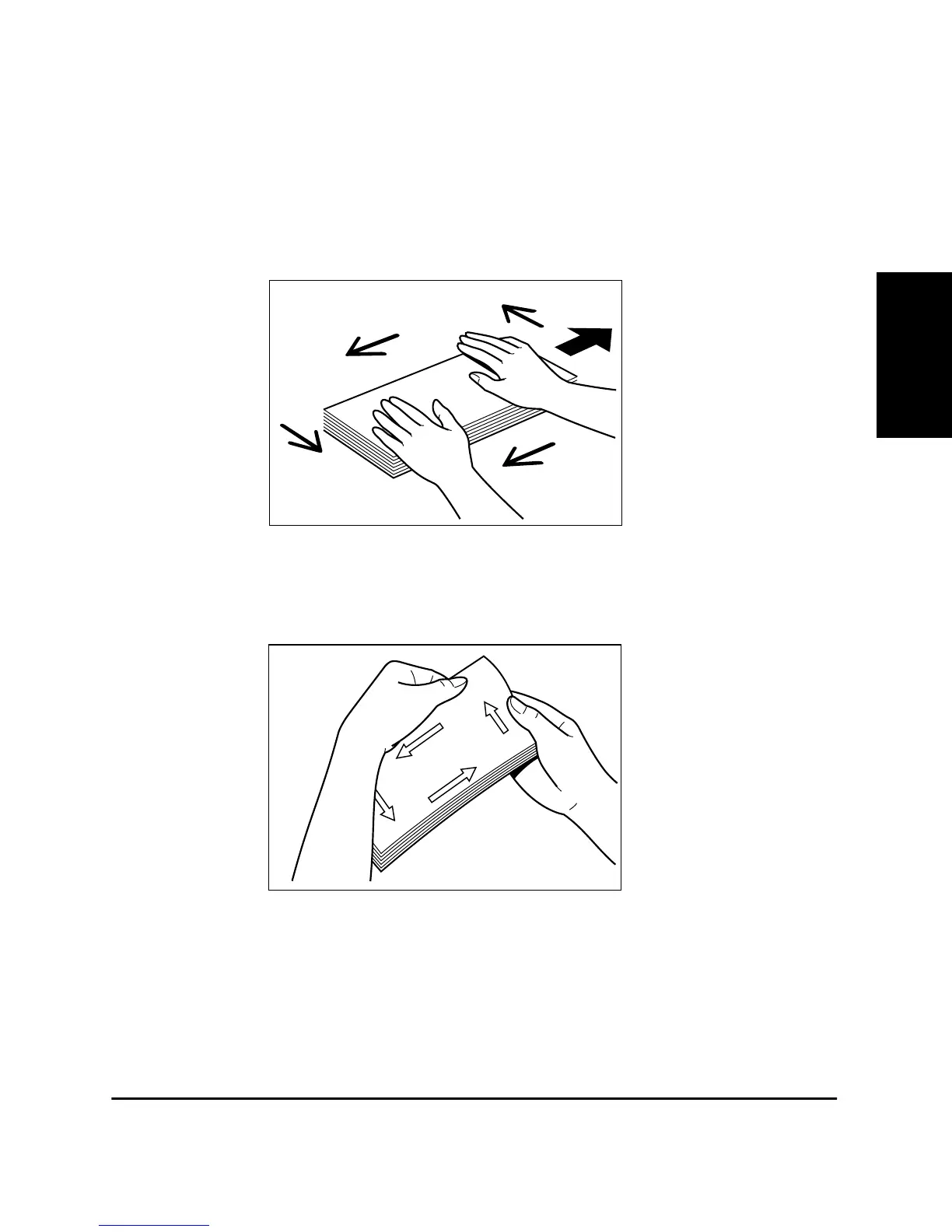
1. Place the envelopes on a flat surface and press the corners down in
the direction shown to flatten the envelopes.
2. Flex the envelope stack, including all four edges, to remove any
stiffness. Correct any bent corners on the envelopes. Check all four
corners.












 To Next Page