120 Troubleshooting Chapter 4
Removing Paper Jams
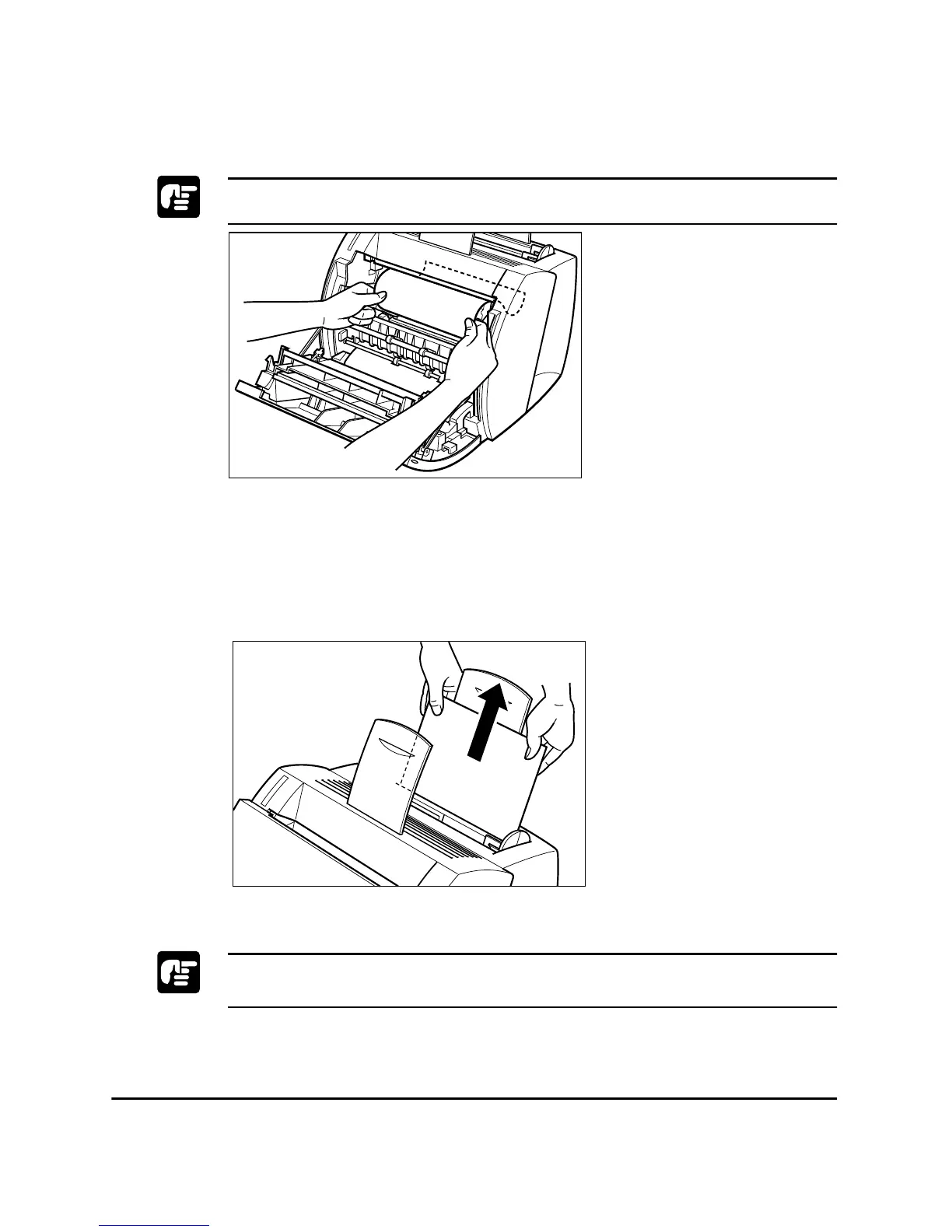
Please use both hands to remove jammed paper from the printer.
Paper Jam in the Paper Feed Area
If only a small portion of the paper has moved into the printer
Use both hands to carefully pull the jammed paper straight up and out
from the MP tray.
Be careful not to tear the paper when pulling. If the paper is torn, remove
the paper scraps from the printer.












 To Next Page