Using the Canon
Advanced Printing
Technology
Chapter 3 Using the Canon Advanced Printing Technology 57
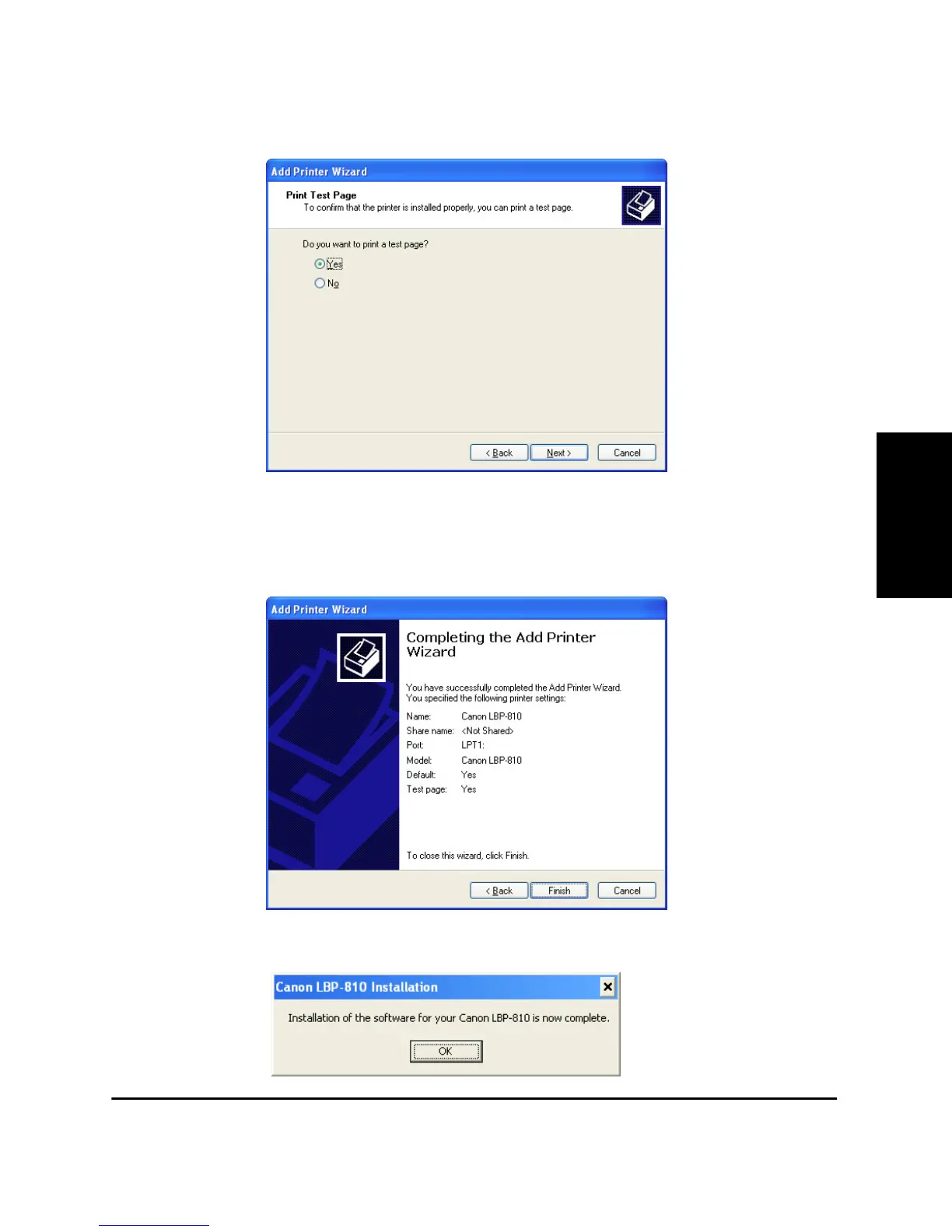
11. Click Ye s if you want to print a test page, or No if you do not want to
print a test page, then click Next >.
12. Click Finish.
Click Continue Anyway if the Hardware Installation dialog box
appears. Windows creates the Canon CAPT Tools icon on the Desk-
top, and the Canon LBP-810 icon is added to the Printers and
Faxes folder.
13. When the installation is complete, the following dialog box appears.
Click OK to close the dialog.












 To Next Page