32 Using the Canon Advanced Printing Technology Chapter 3
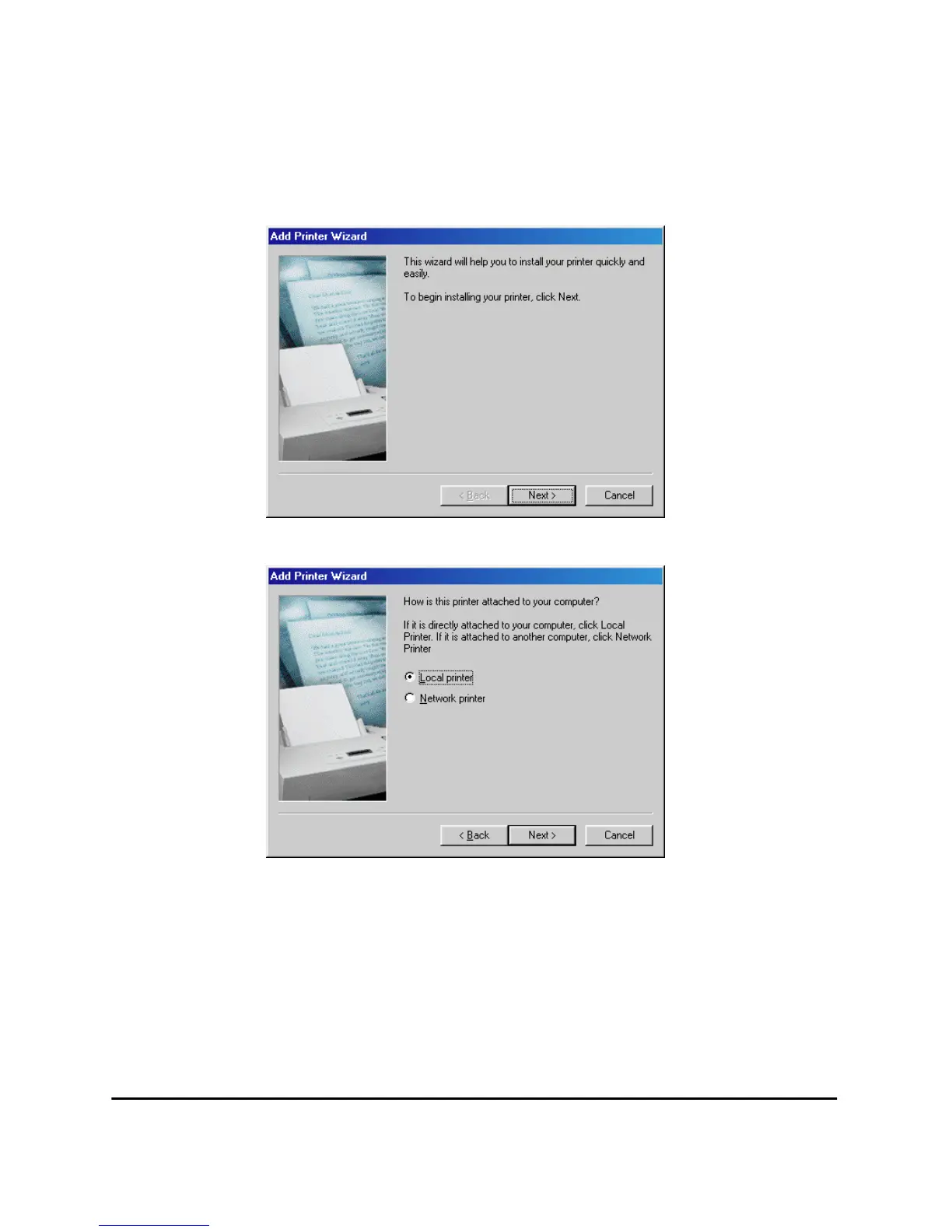
1. From the Start menu, select Settings, then Printers. The Printers
folder appears.
2. Double-click the Add Printer icon. The Add Printer Wizard dialog
box appears. Click Next >.
3. Select Local Printer and click Next >.












 To Next Page