Troubleshooting
Chapter 4 Troubleshooting 117
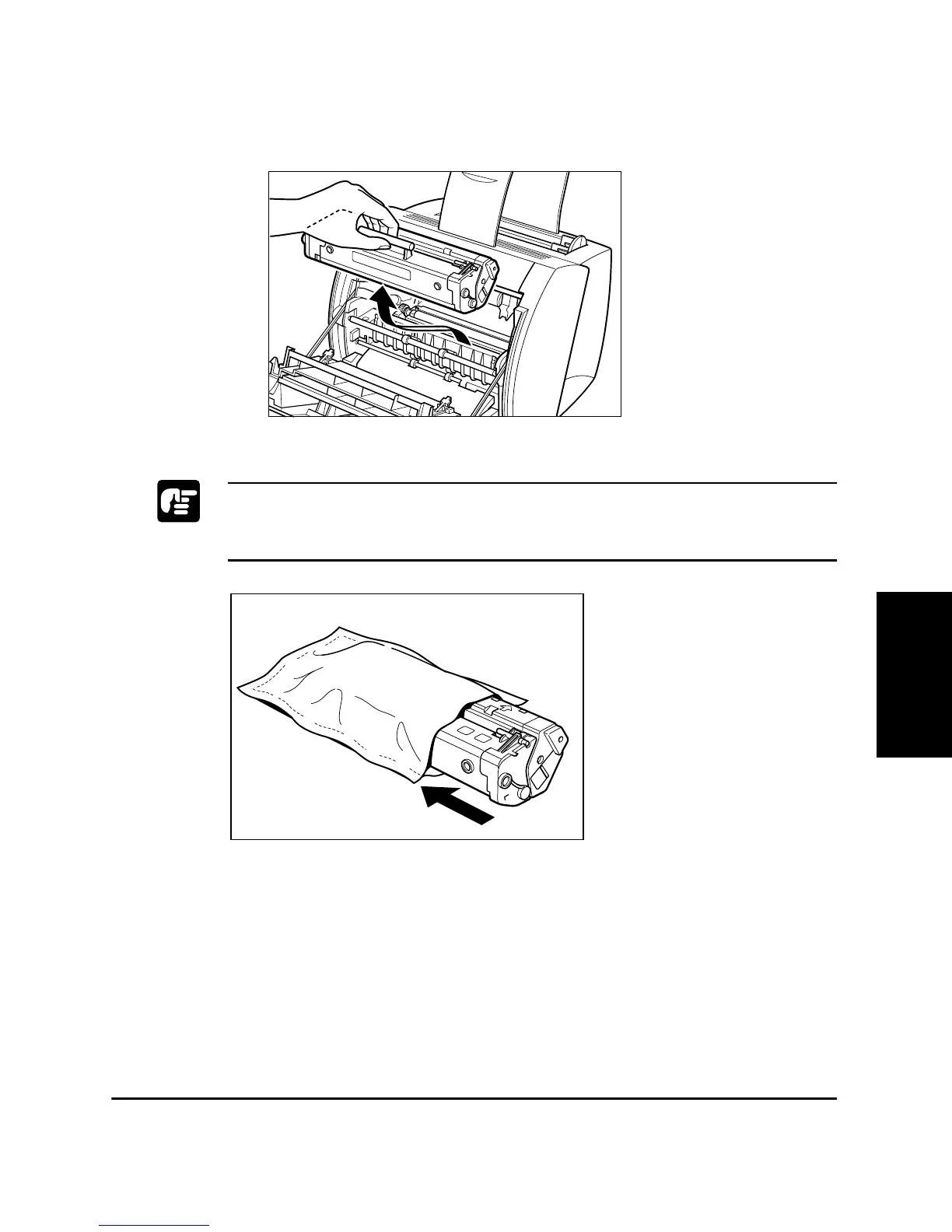
3. Remove the EP-22 cartridge by grasping the cartridge’s handle and
lifting it out of the printer.
Do not expose the cartridge to light for more than 5 minutes. If necessary,
put the cartridge in its original protective bag or wrap it with a thick cloth
to prevent exposure to light.












 To Next Page