126 Troubleshooting Chapter 4
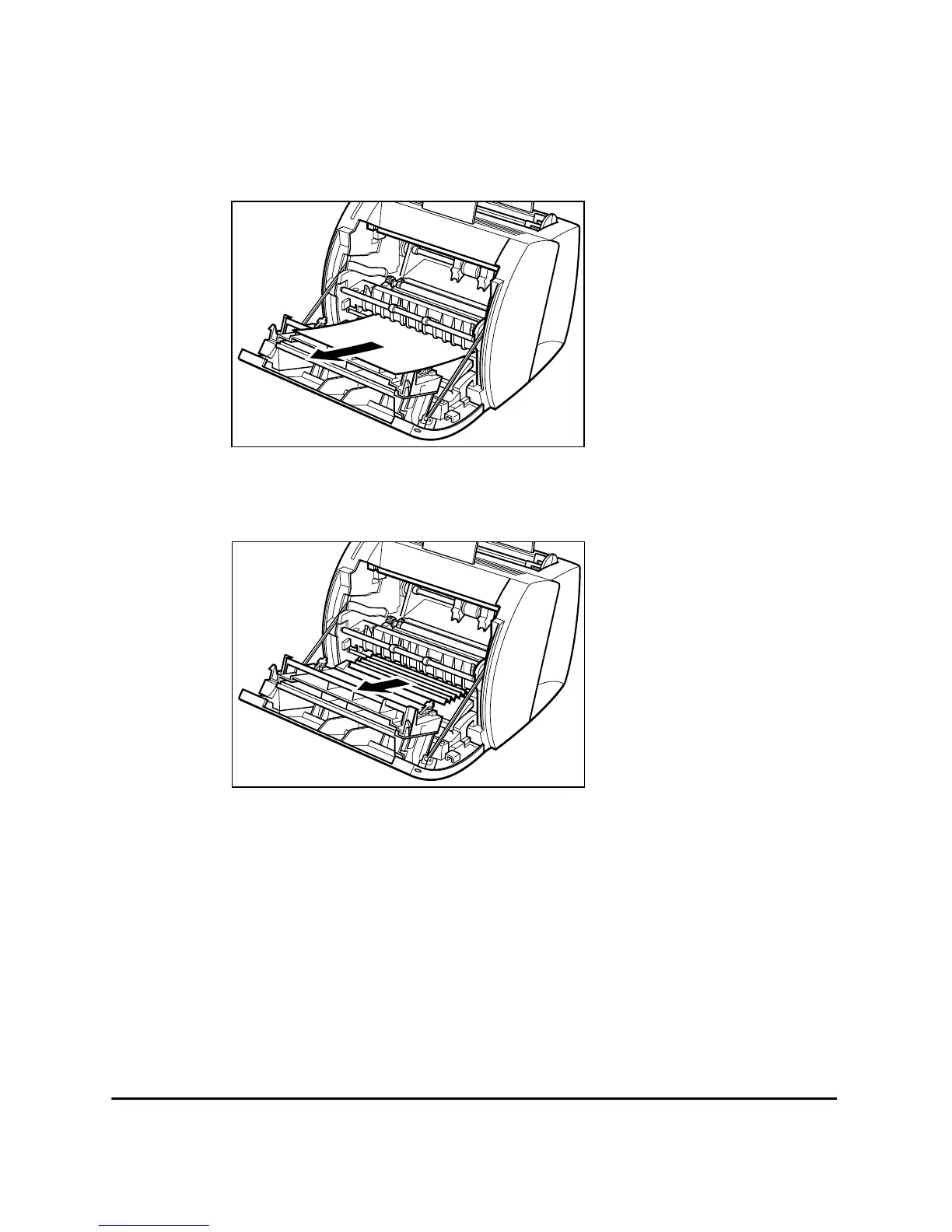
If you can see the front edge of the paper
While holding the printer steady, carefully pull the jammed paper out
straight and horizontally.
If the jammed paper is badly folded, similar to the folds of an accordion,
ease the jammed paper loose and then pull it out of the printer.












 To Next Page