128 Troubleshooting Chapter 4
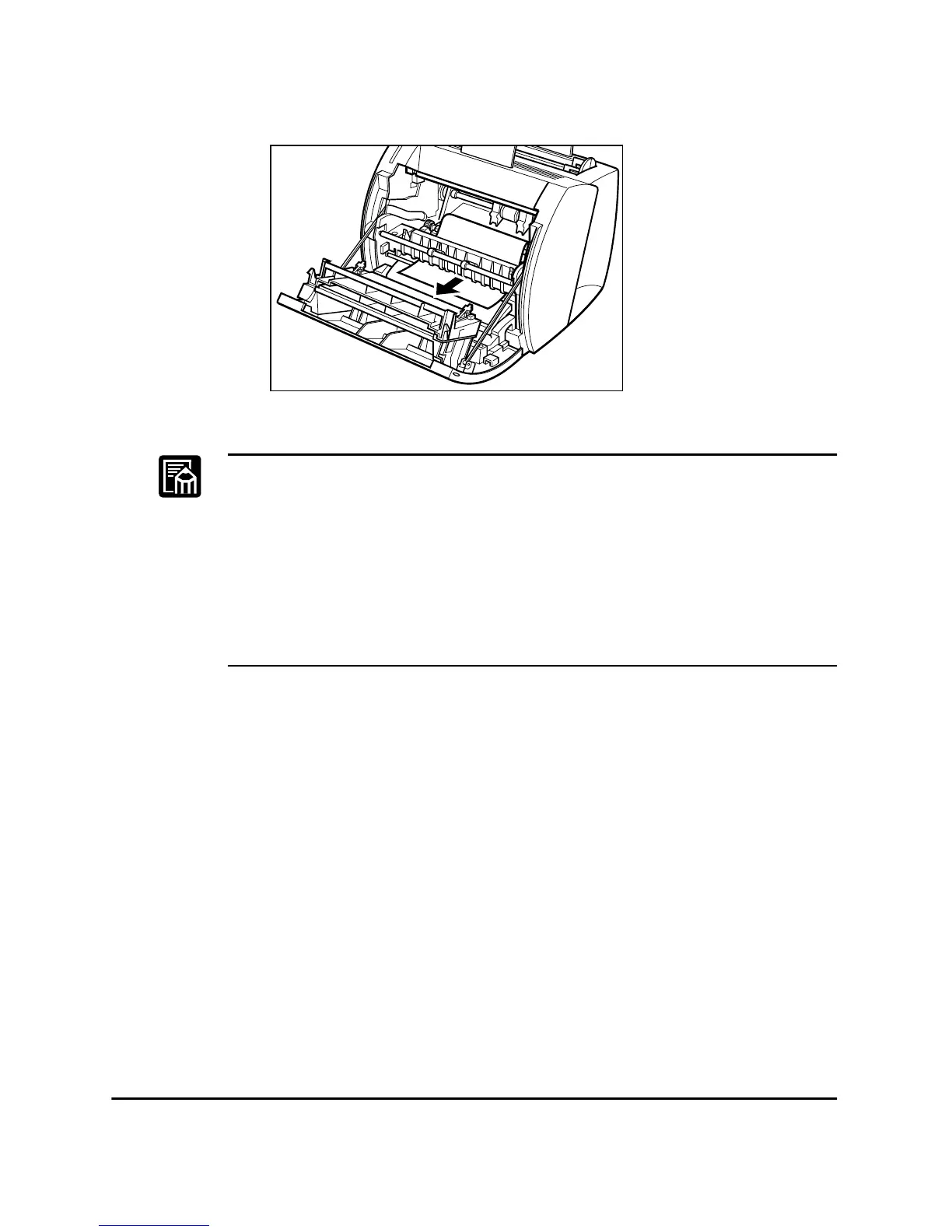
2. Gently pull the paper through the rollers.
❏ After you replace the cartridge and close the front cover, the printer
should be ready for printing. If the printer returns to the ready state for
printing, troubleshooting has been successful. If the printer does not
return to the ready state for printing, paper may still be jammed in the
printer.
❏ While removing the jammed paper, some toner might stain the inside
of the printer which will make the first few printouts dirty when
printing resumes.












 To Next Page