22 Paper Handling Chapter 2
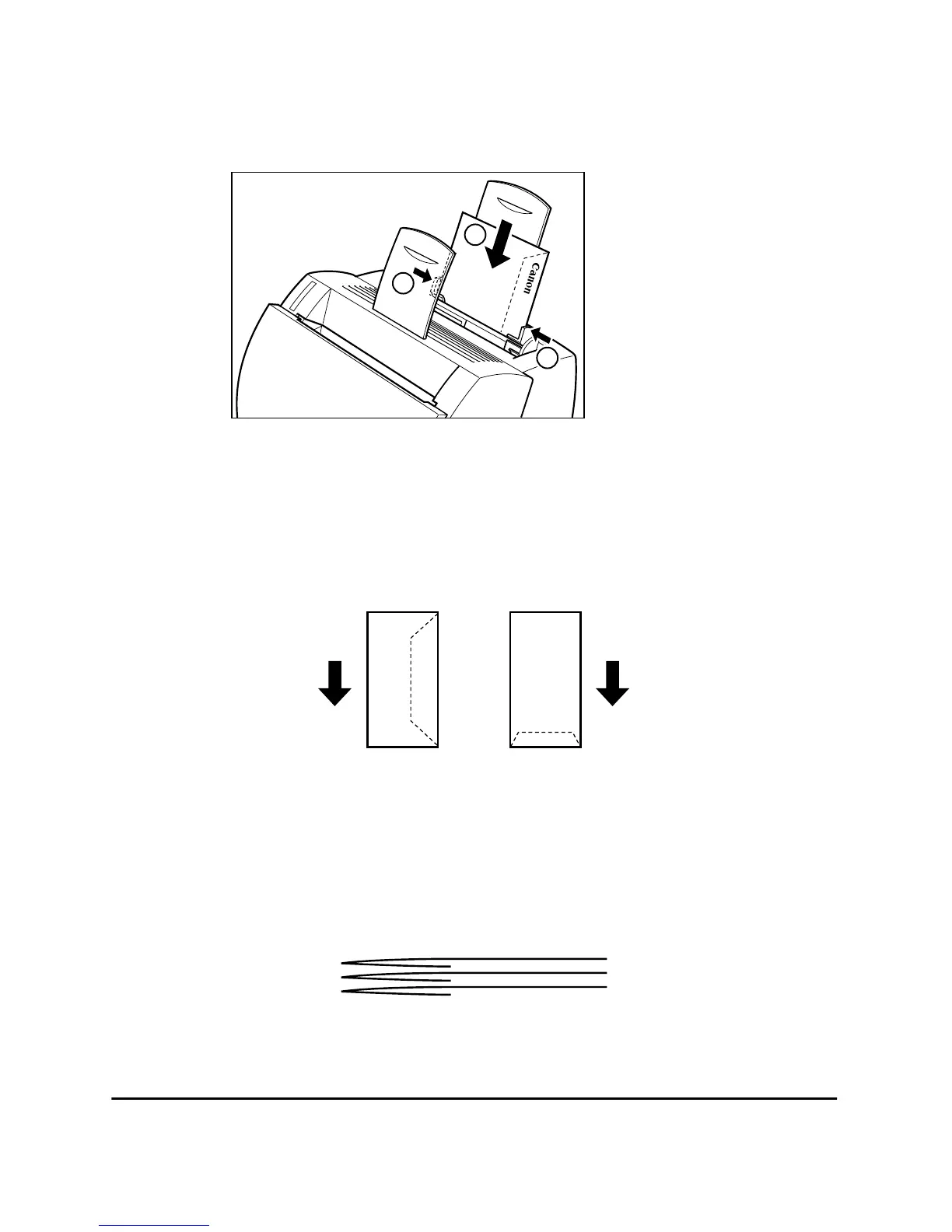
Insert the envelopes one at a time into the MP tray, in the direction shown
in the illustration.
If the flap is along the long edge of the envelope, insert each envelope
with the flap at the back and on the right.
If the flap is along the short edge of the envelope, insert envelopes with
the flap at the bottom and at the back.
The illustrations below show acceptable and unacceptable arrangements
of the flaps of envelopes in a stack.
Acceptable
The flap of each envelope should be separate, not overlapping the edges
of any of the other envelopes in the stack.
2
2
1












 To Next Page