40 Using the Canon Advanced Printing Technology Chapter 3
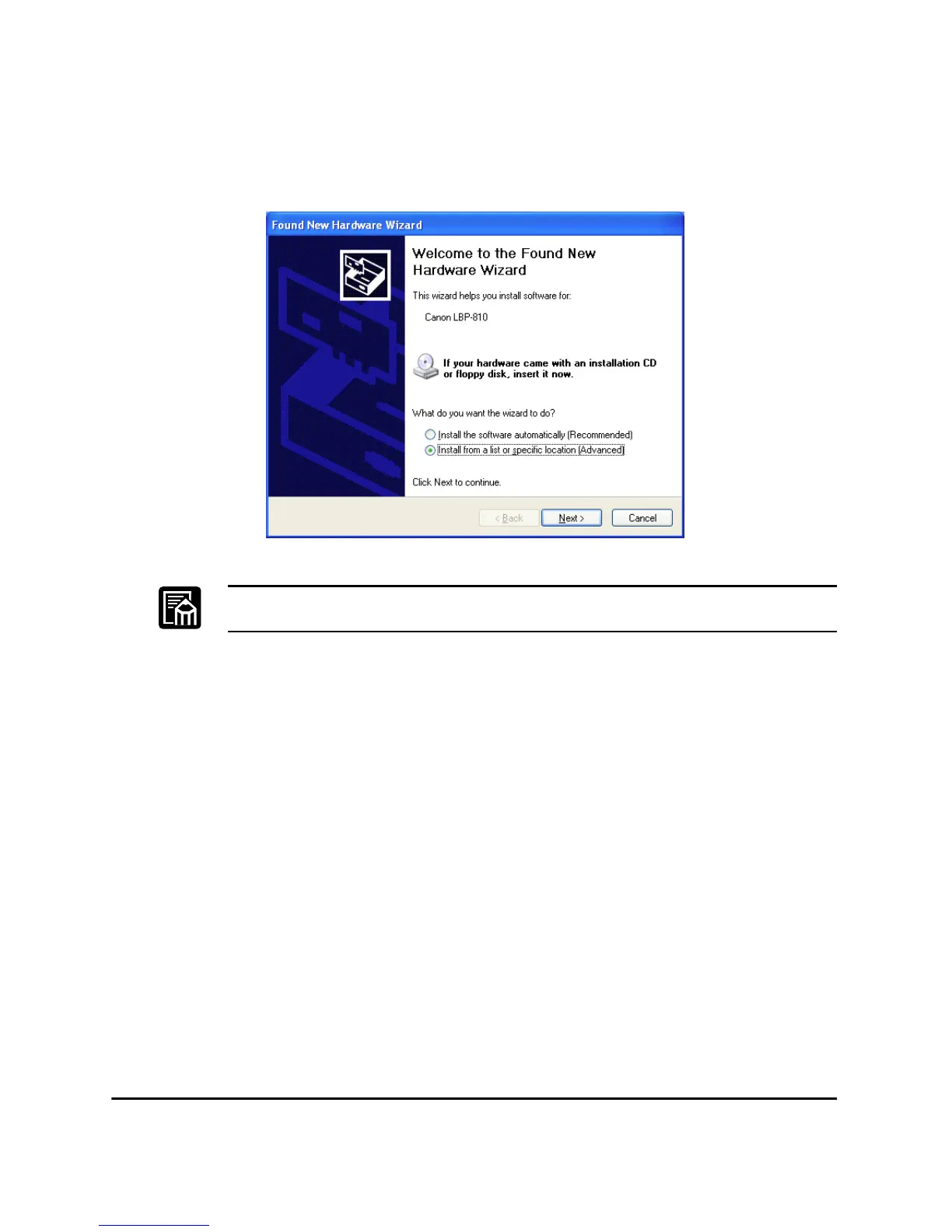
3. The Found New Hardware Wizard dialog box appears.
Select Install from a list or specific location (Advanced) and click
Next >.
“Unknown” may be displayed as the name of the device.
4. Clear Search removable media (floppy, CD-ROM,...) check box.












 To Next Page