Using the Canon
Advanced Printing
Technology
Chapter 3 Using the Canon Advanced Printing Technology 45
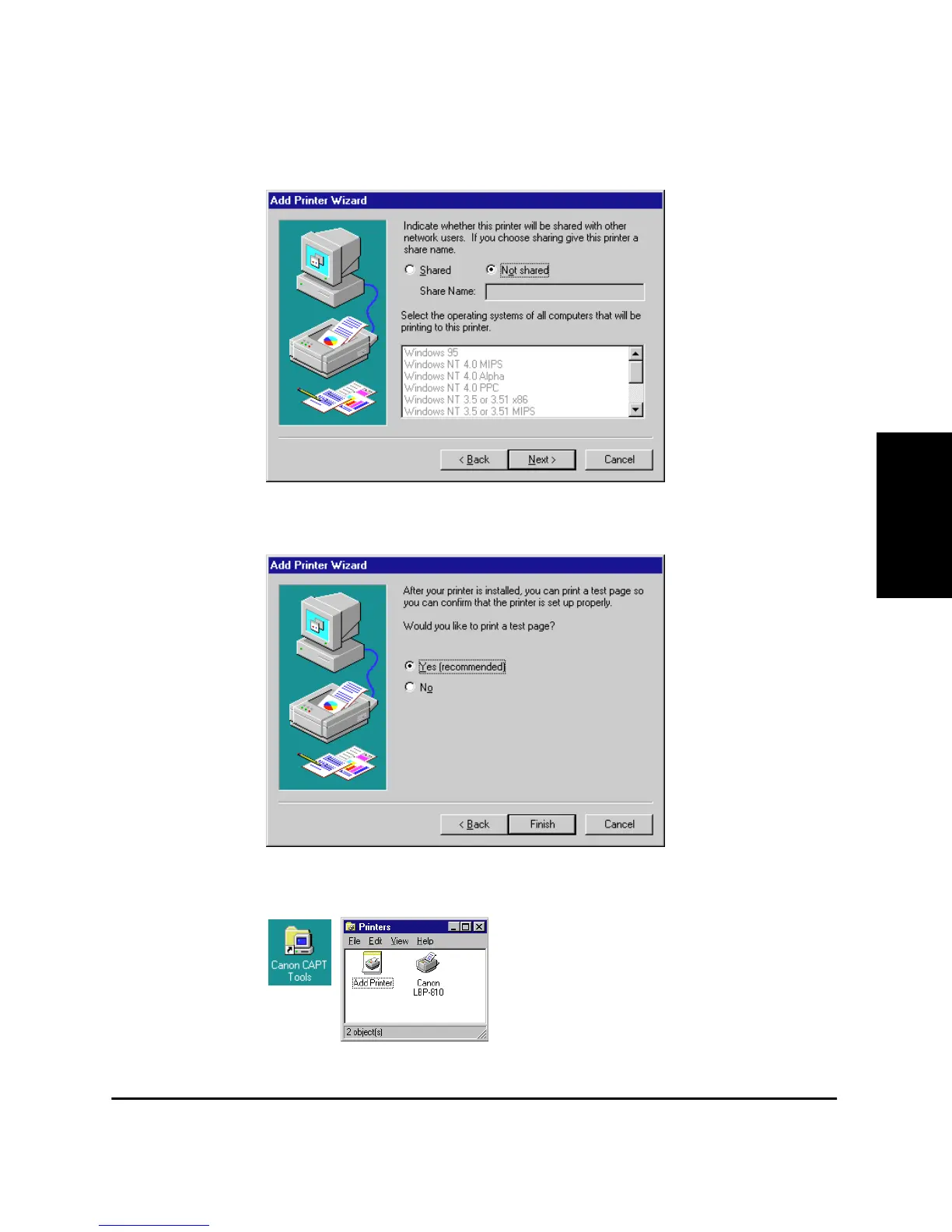
10. Select whether this printer is shared or not shared with other
computers. If it is shared, select all the operating systems that will
use this printer. Click Next >.
11. Click Ye s if you want to print a test page, or No if you do not want to
print a test page, then click Finish.
Windows creates the Canon CAPT Tools icon on the Desktop, and
the Canon LBP-810 icon is added to the Printers folder.












 To Next Page